You already talk to Wispr Flow. Now make it do the work.
Speechy turns your voice into text on your Mac, then gets things done in Gmail, Slack and 1,000+ apps, right from the notch.
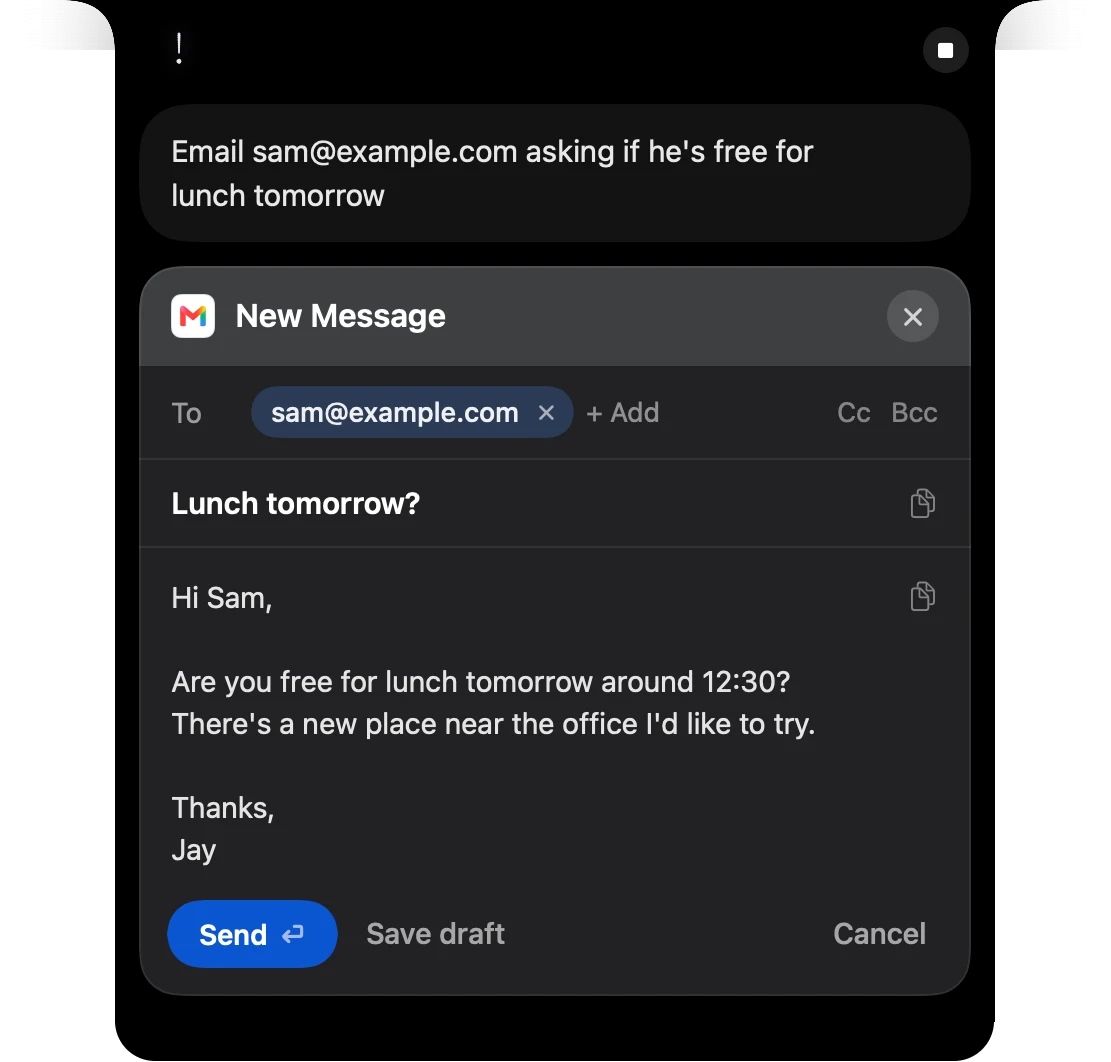
Say it, then check the draft
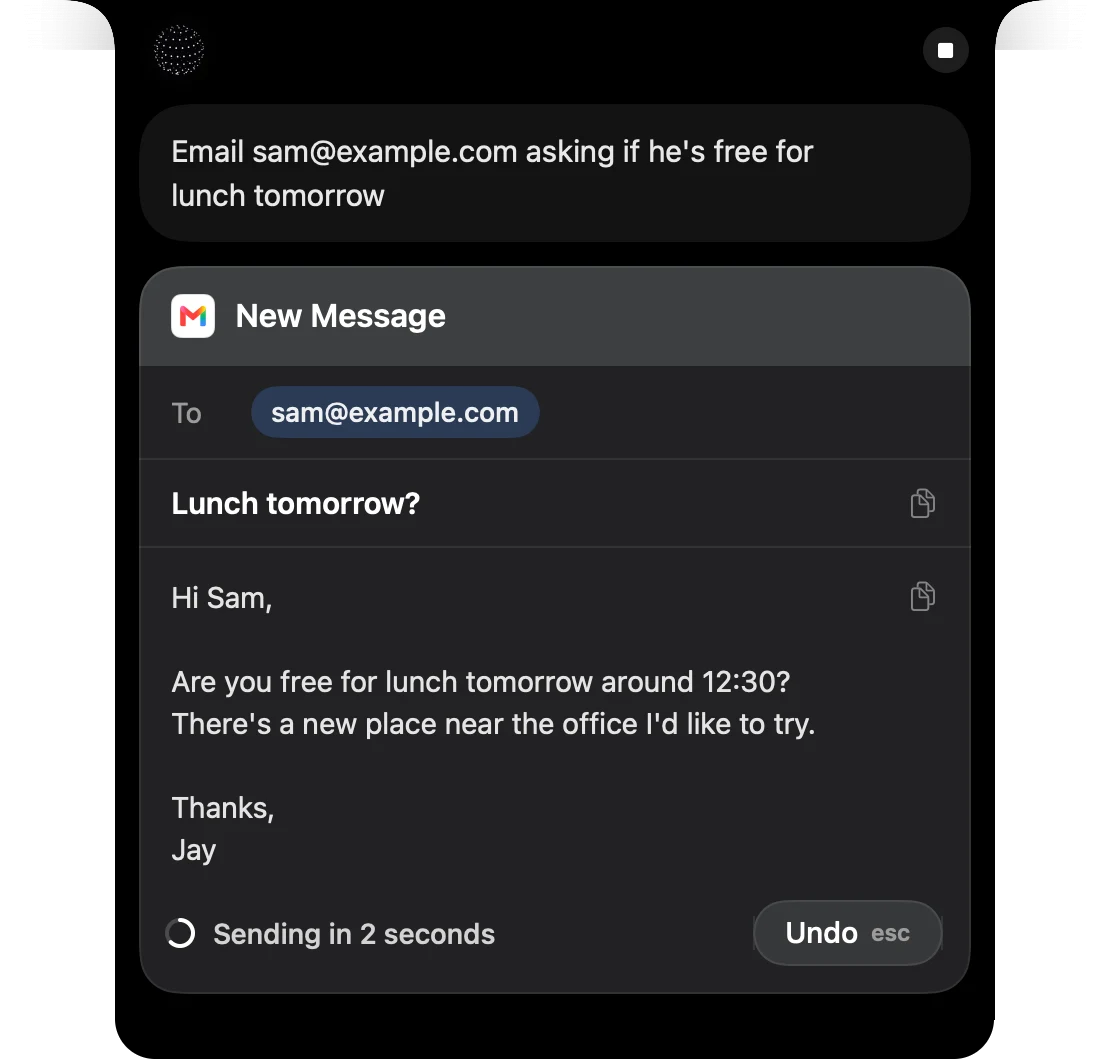
A few seconds to undo
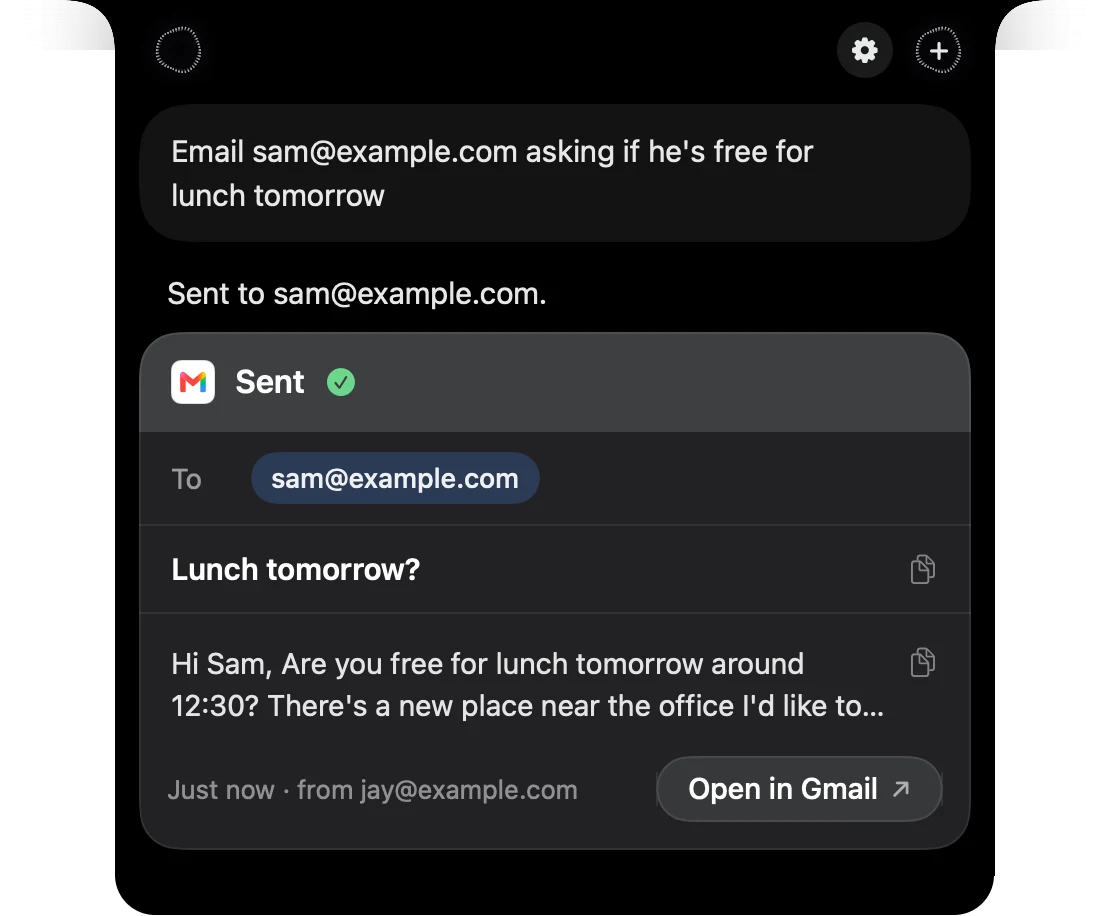
Sent, without opening Gmail
Paid for Wispr Flow? We'll cover the rest.
Send a screenshot of your Wispr plan showing when it renews, and we'll give you that time on Speechy Pro for free, up to 3 months.
Send your screenshotBring your words with you
Speechy finds Wispr Flow on your Mac and imports your words, replacements and snippets in one click, so you don't start over.
How they compare
| Feature | Speechy | Wispr Flow |
|---|---|---|
| Where your voice goes | Your Mac, always | Cloud, always |
| Works in your apps | Yes, 1,000+ apps | A few: Gmail, Calendar, Slack |
| Price | From $99 once, or $12.99 a month | $15 a month, or $12 billed yearly |
| Devices | Mac with Apple silicon | Mac, Windows, iPhone, Android |
| Meeting notes | No | Yes |
Wispr Flow is the better pick if you need Windows, iPhone, Android or meeting notes. When you ask your apps something, your question goes to the AI as text. Your voice recording stays on your Mac.
Questions
Do I need a card to try it?
Yes, the 3-day trial in the app asks for a card. Cancel in Settings before it ends and you pay nothing.
Can I get a refund?
Yes, within 14 days of paying.
Will I lose my dictionary?
No. Speechy finds Wispr Flow on your Mac and imports your words, replacements and snippets in one click.
Is it on Windows or iPhone?
No. Speechy is Mac only, on Apple silicon with macOS 14 or later. Wispr Flow is the better pick if you need Windows, iPhone or Android.
Does it take meeting notes?
No. If meeting notes matter most, stay with Wispr Flow.
Why does macOS warn me when I first open it?
Speechy isn't notarized by Apple yet. The first time you open it, go to System Settings, Privacy & Security, and choose Open Anyway.