DictationSee Dictation
It types what you meant. Your voice and transcript stay on your Mac.
 New Message
To: Sam
Wi-Fi on

Hold a key and talk. Speechy writes it, sends it from your apps, or walks you through it on your screen.
Free to start · macOS 14 or later, Apple silicon

Assistant: the notch answers from your apps and sends for you.
It listens when you press a key, and it works in any app on your Mac.
New Message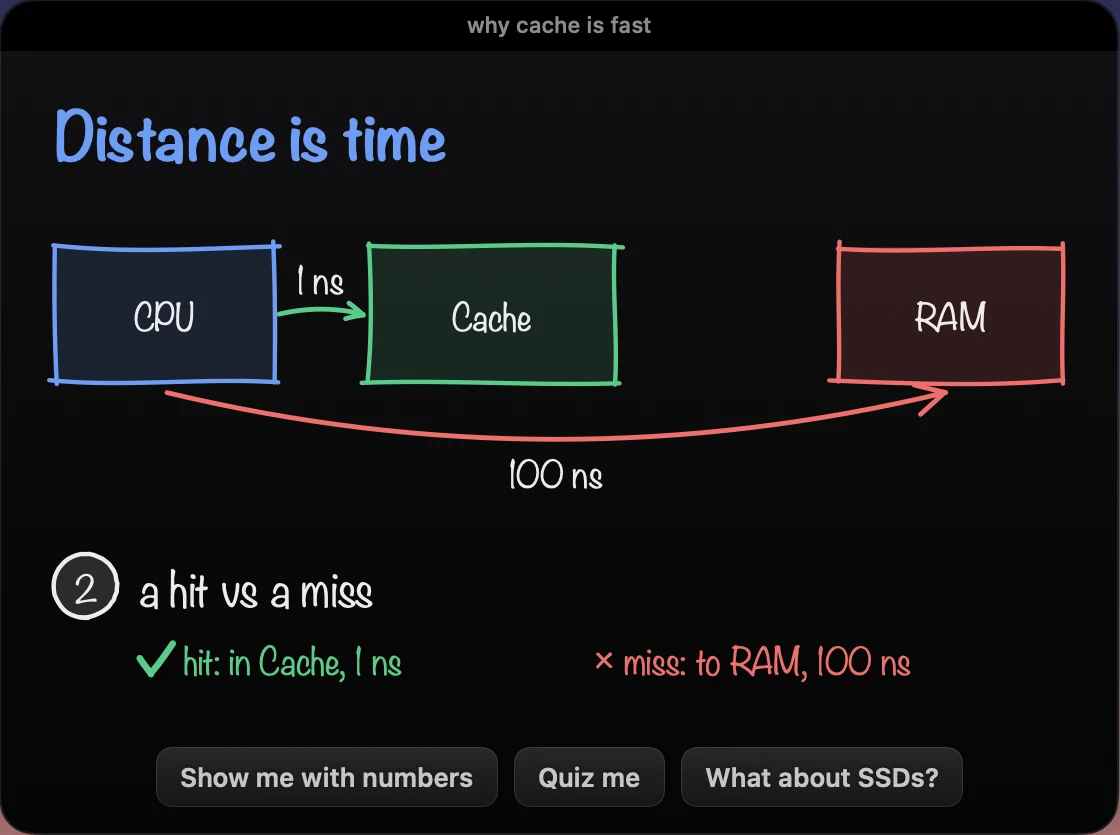

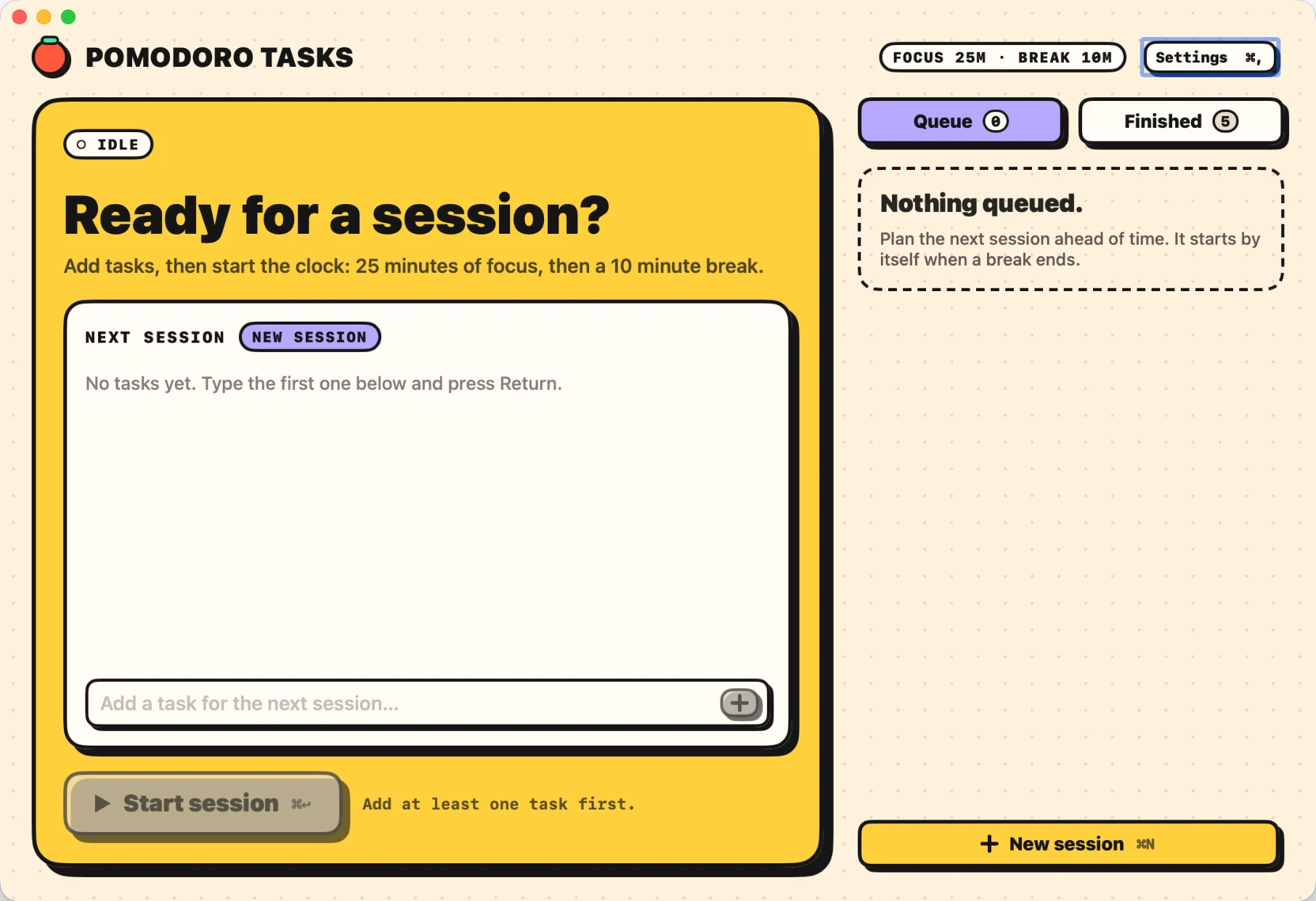
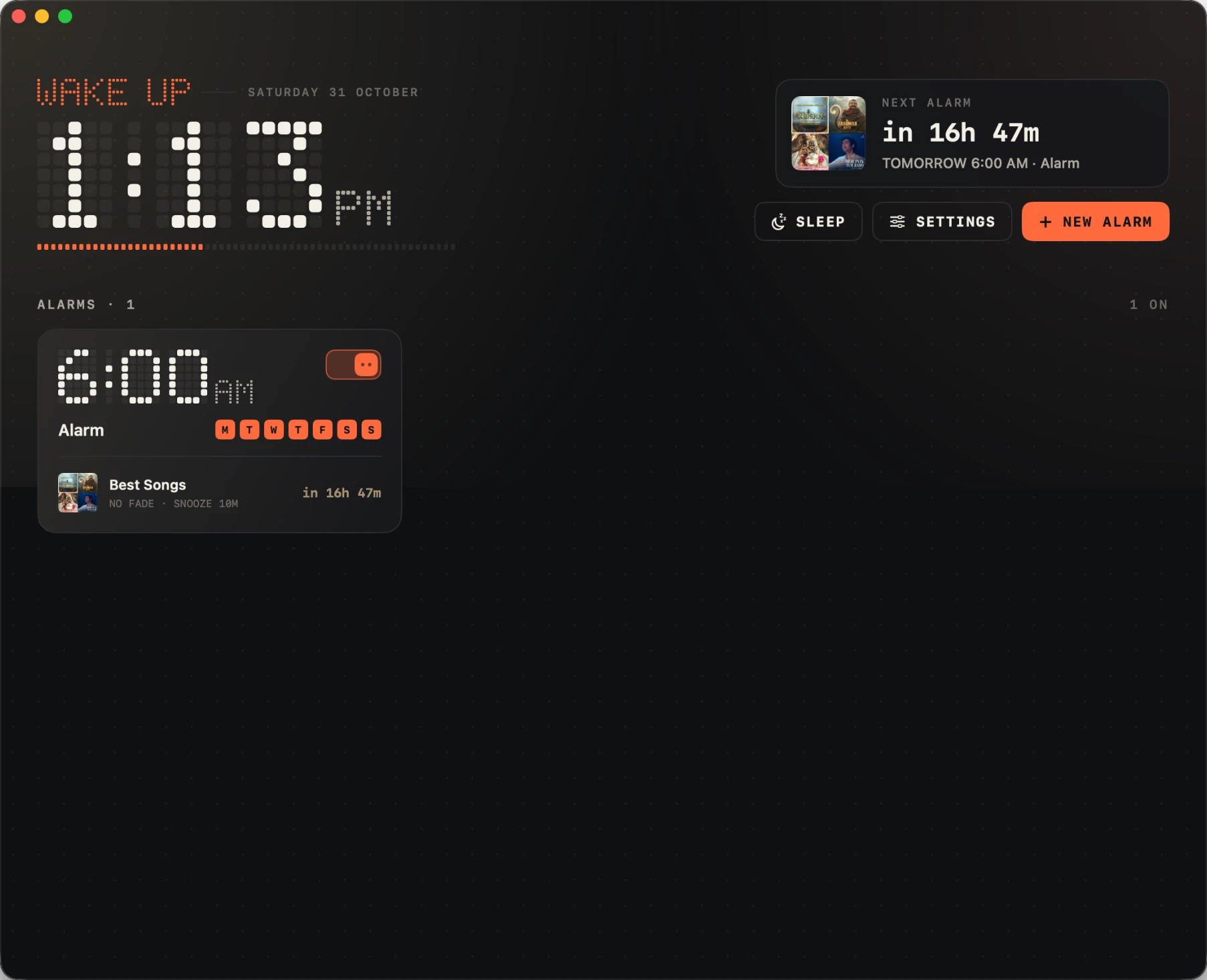
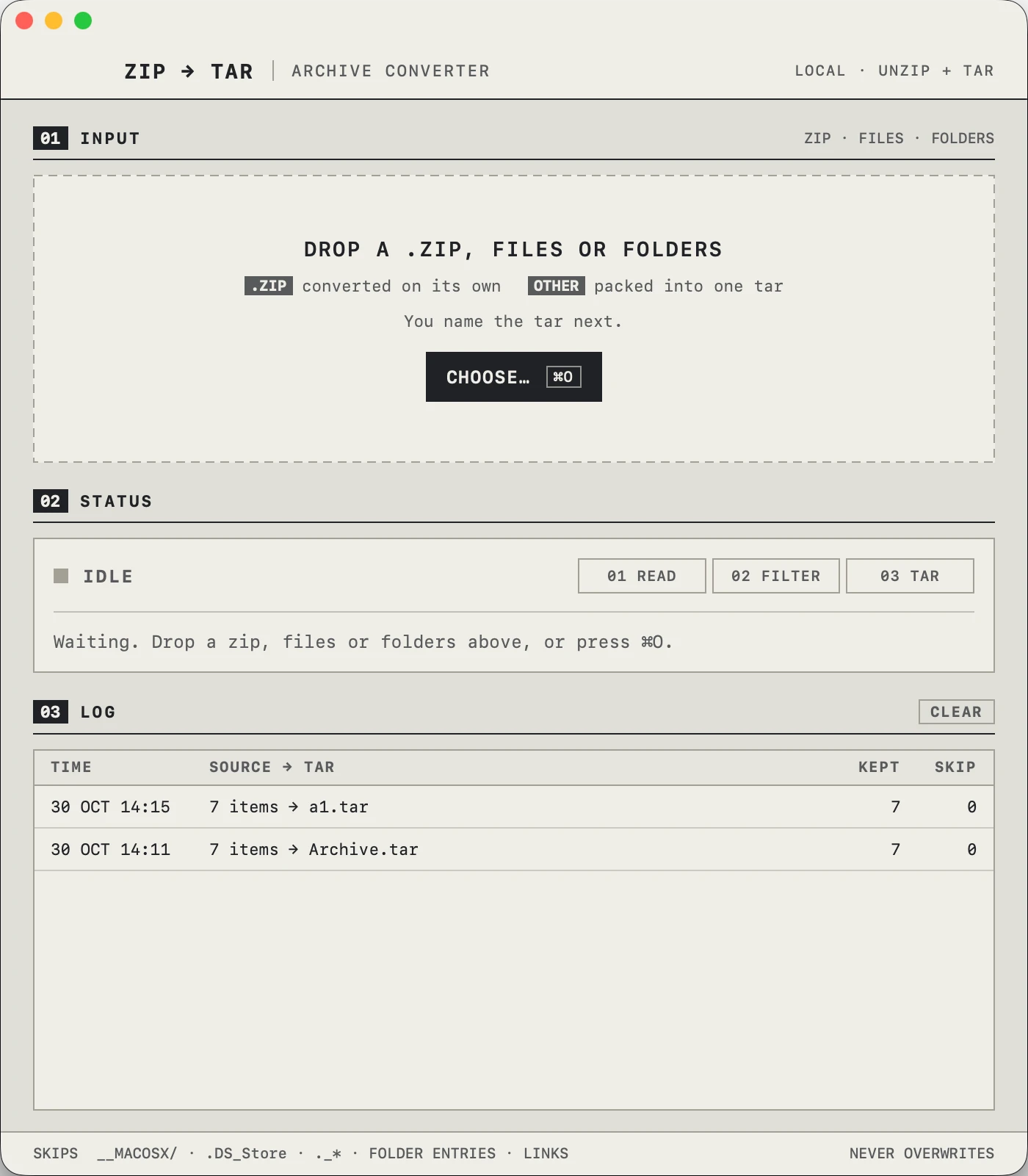
Speechy lives a single key away. Hold fn, speak, and clean text lands in any app.
See DictationAsk what’s in Gmail, Slack, Notion and 1,000+ more, and let it do the work for you.
See all integrationsAsk, and Speechy does the job on your Mac, behind your windows, while you keep working.
See AgentSay what you need and Speechy answers right from your notch, over whatever you’re doing.
See Assistant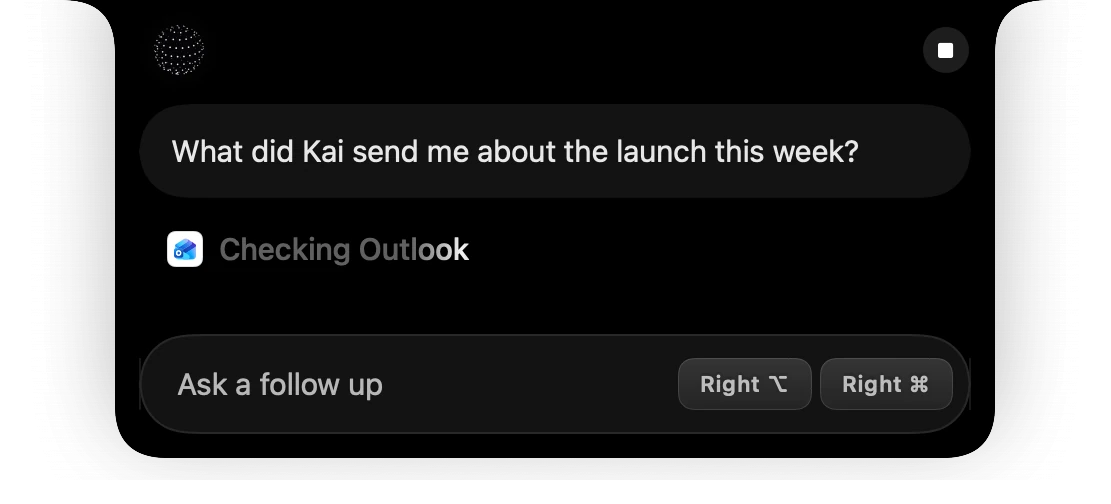
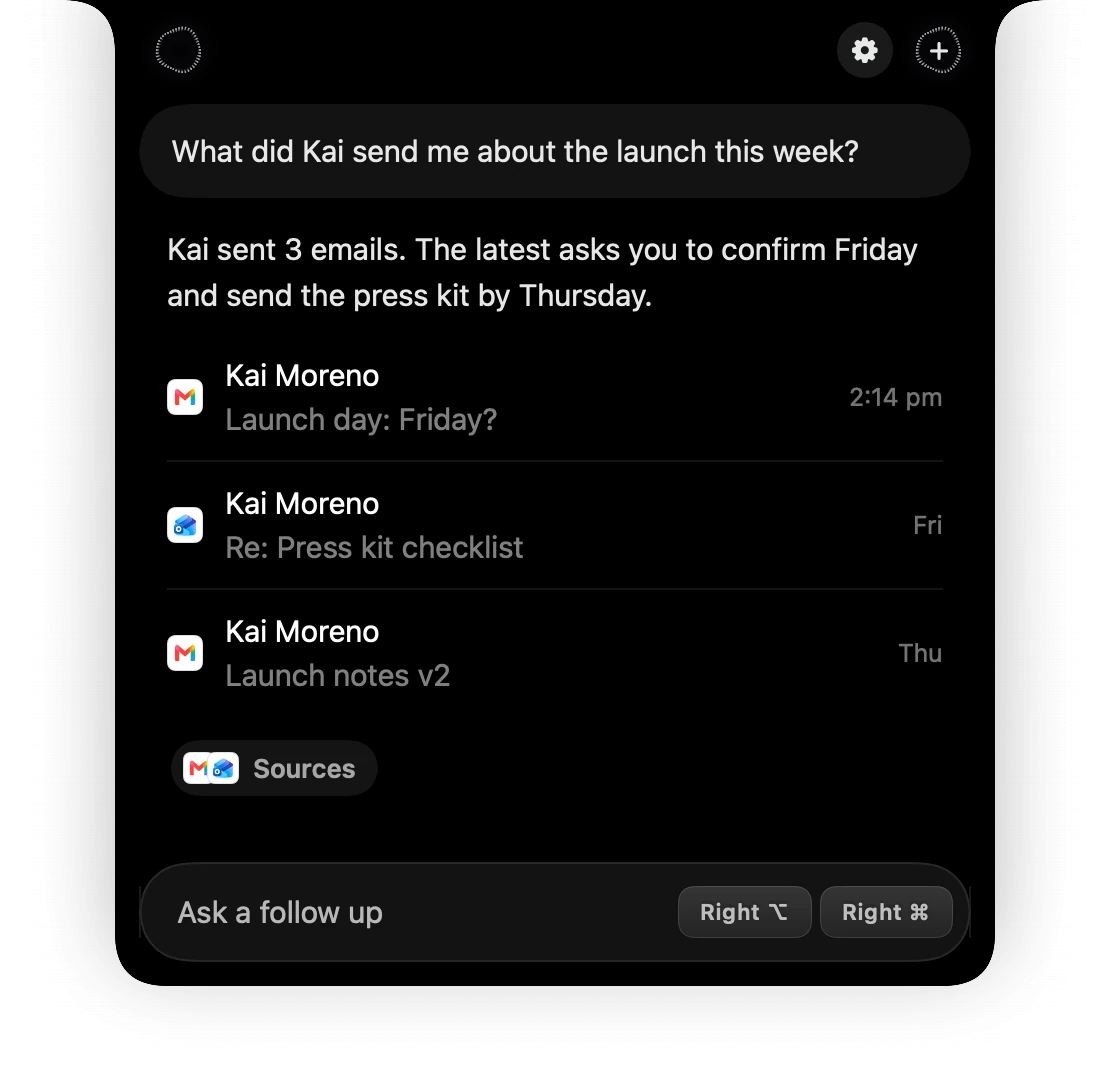
Connect Gmail, Slack, Notion and 1,000+ more. Ask what’s in them, or tell Speechy what to do.
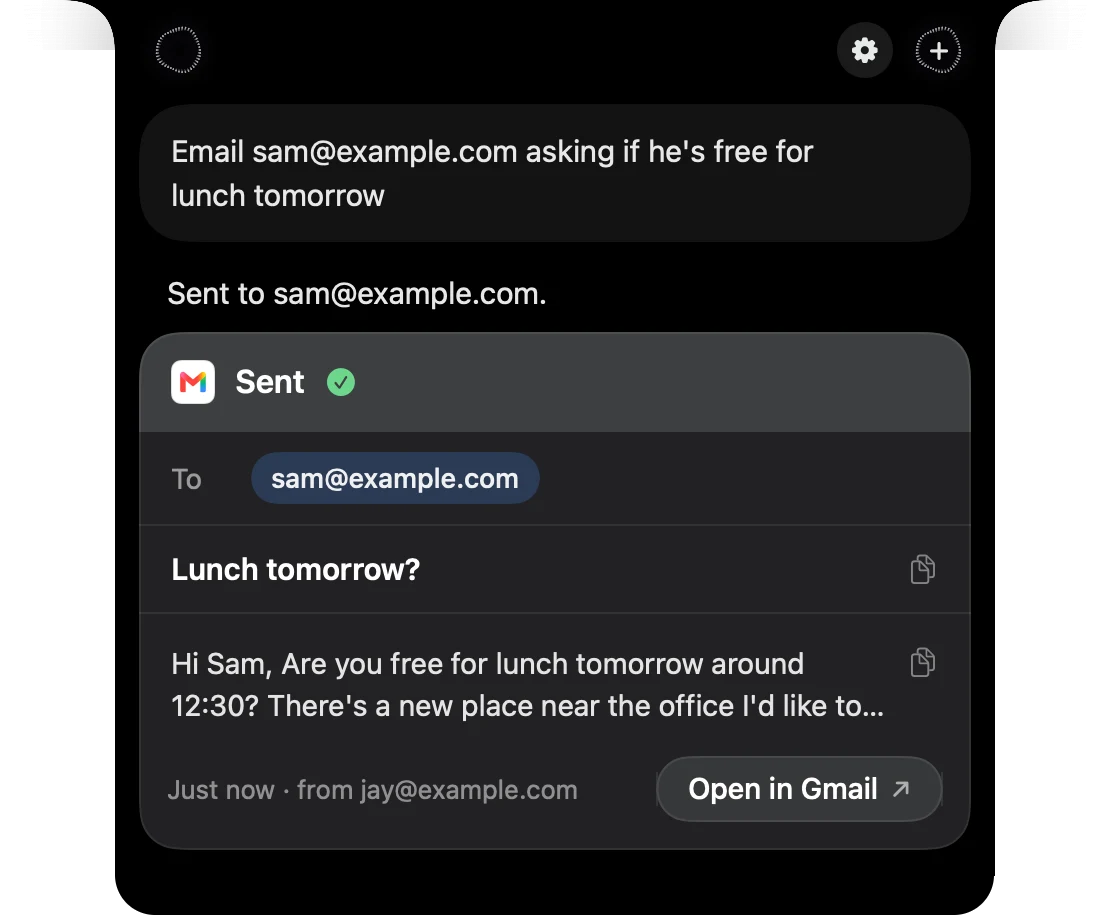
See all integrations Gmail: “Email Sam about lunch tomorrow”
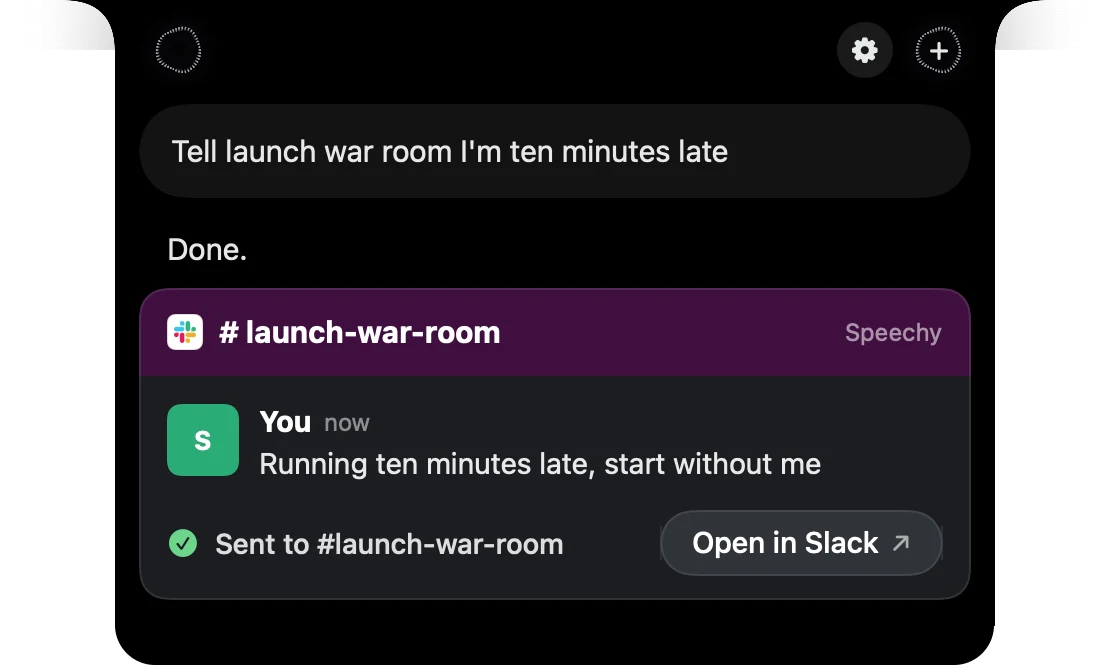
 Slack: “Tell launch war room I’m ten minutes late”
 Messages: “Text Mia on my way, see you in 10”
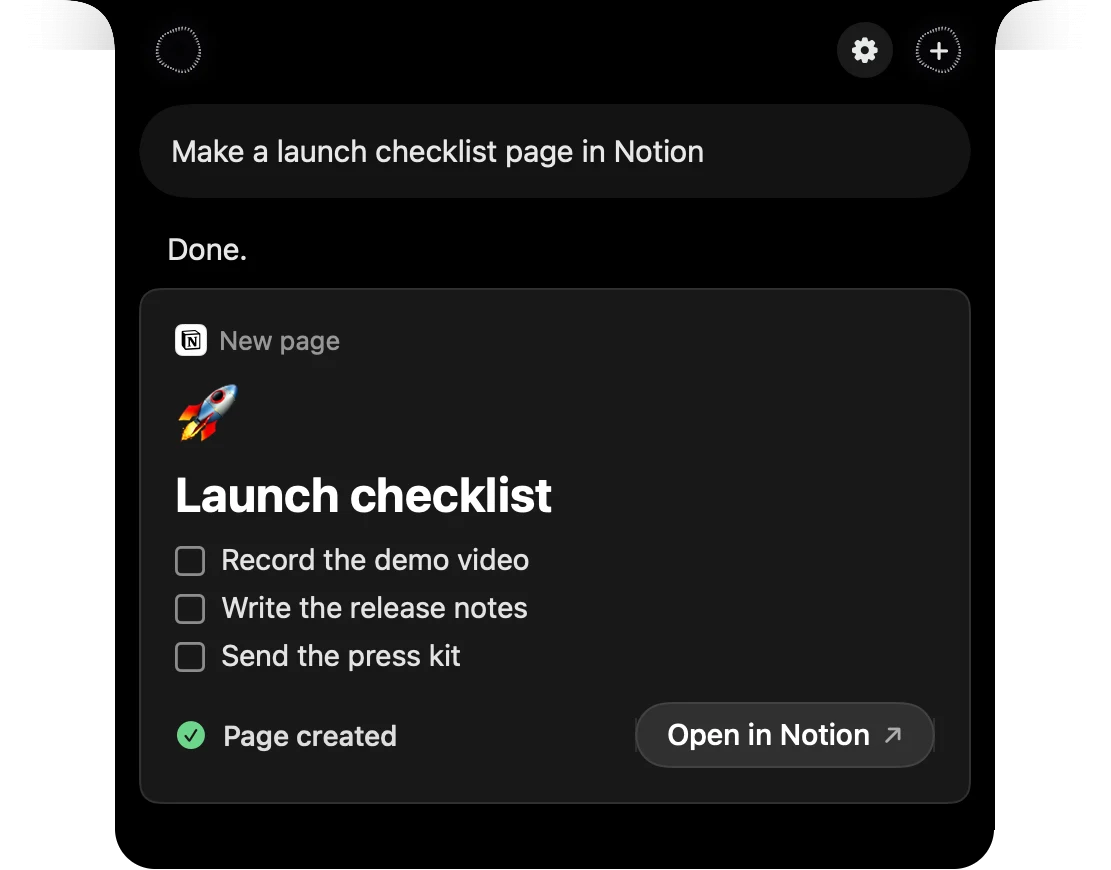
 Notion: “Make a launch checklist page”
 Music: “Play my Best Songs playlist”
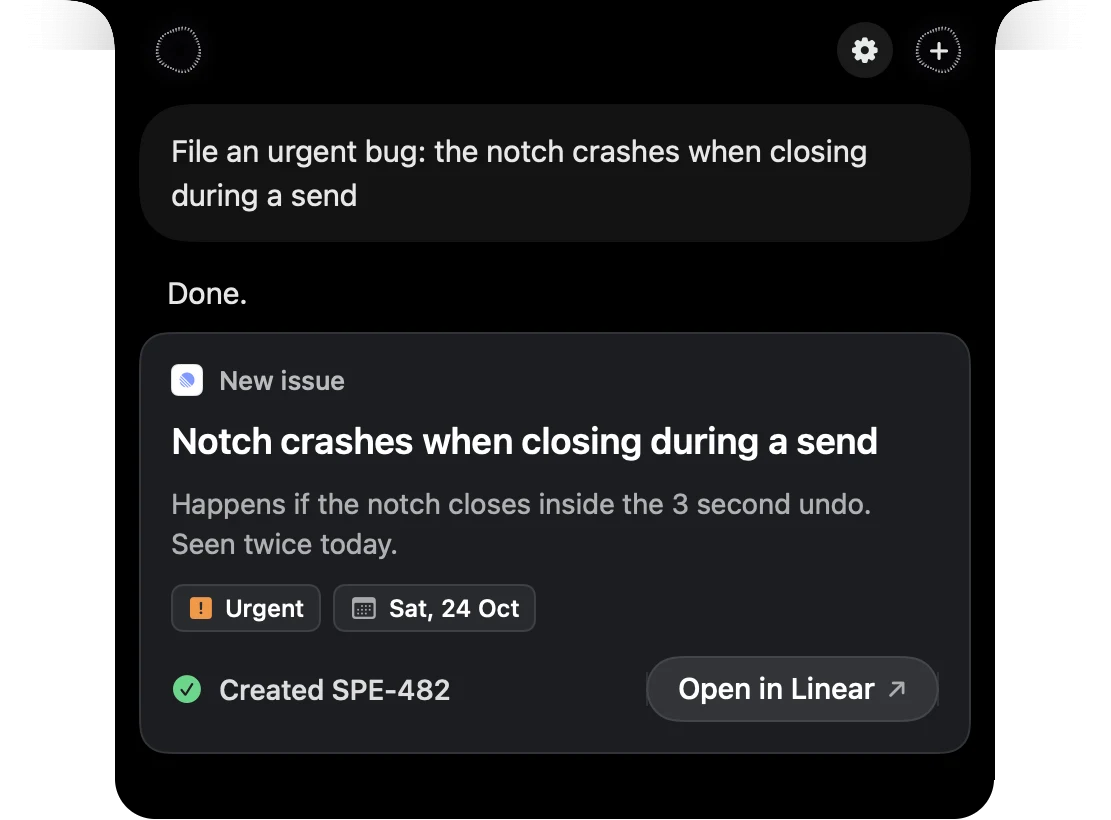
 Linear: “File an urgent bug”
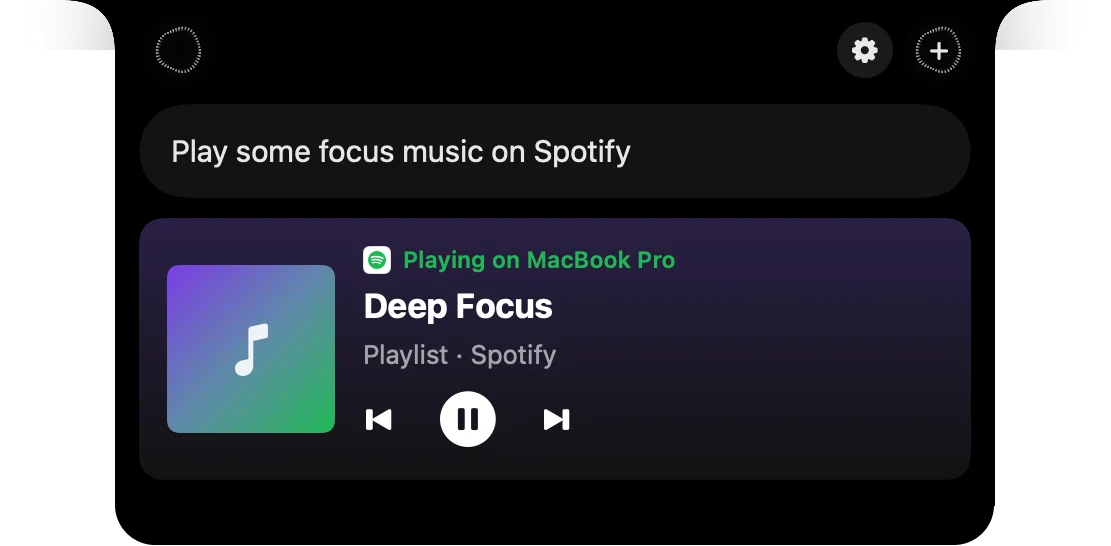
 Spotify: “Play some focus music”
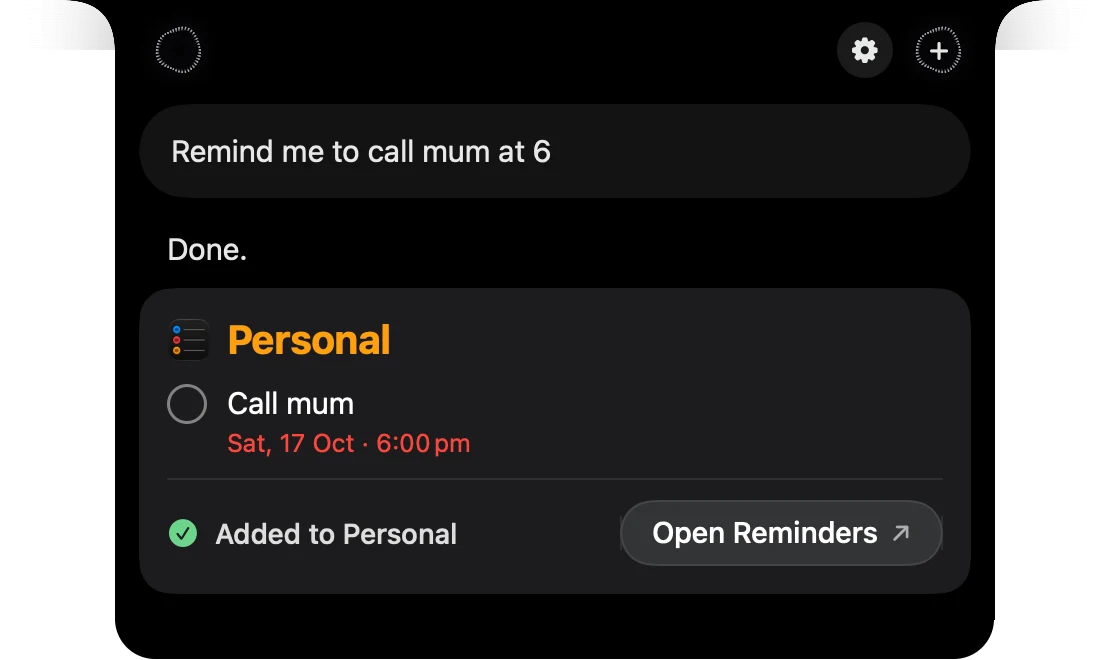
 Reminders: “Remind me to call mum at 6”
 Outlook: “Reply to Sam that the invoice looks good”
 Microsoft Teams: “Tell the design team I’m running late”Mail: “Find the invoice from Sam”
 Notes: “Add oat milk to my shopping list”
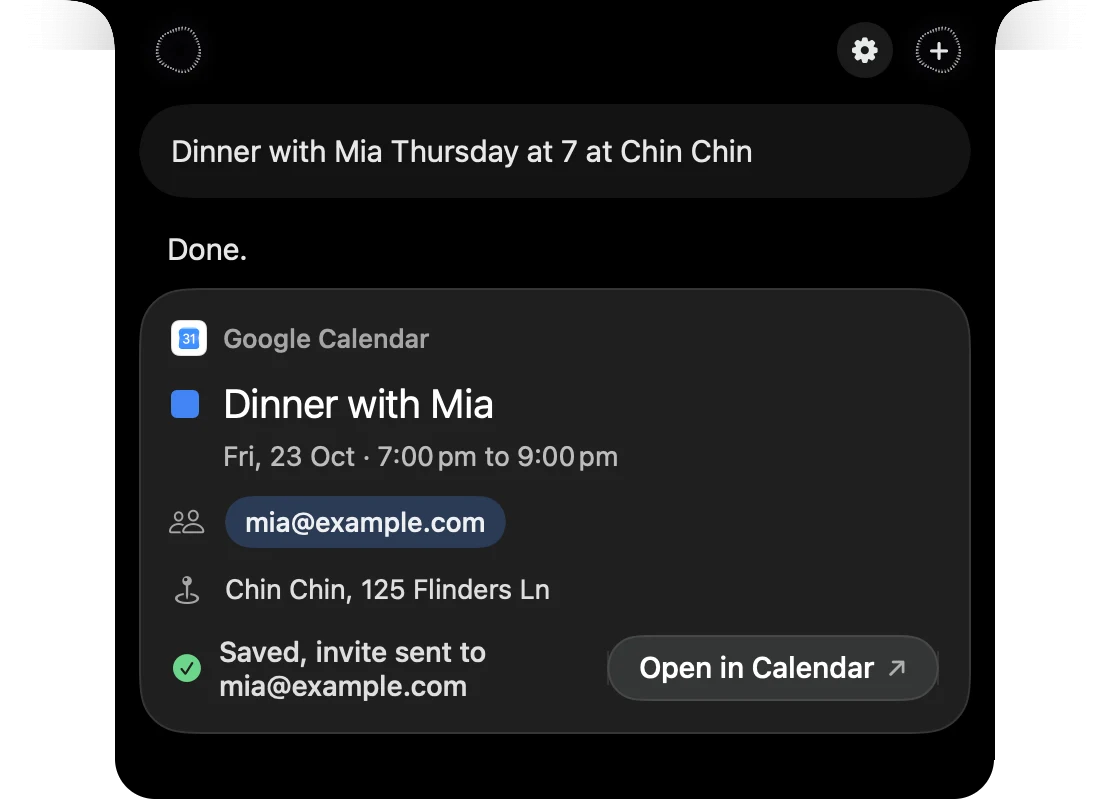
 Google Calendar: “Dinner with Mia Thursday at 7”
 GitHub: “Open an issue for the weather card”
 Google Drive: “Share the launch deck with Alex”
 Jira: “Move SPE-482 to done”
 Finder: “Find my invoices from September”
 Google Tasks: “Add book flights to my tasks”
Speechy does it right there, then shows you what it did from your notch.
See Assistant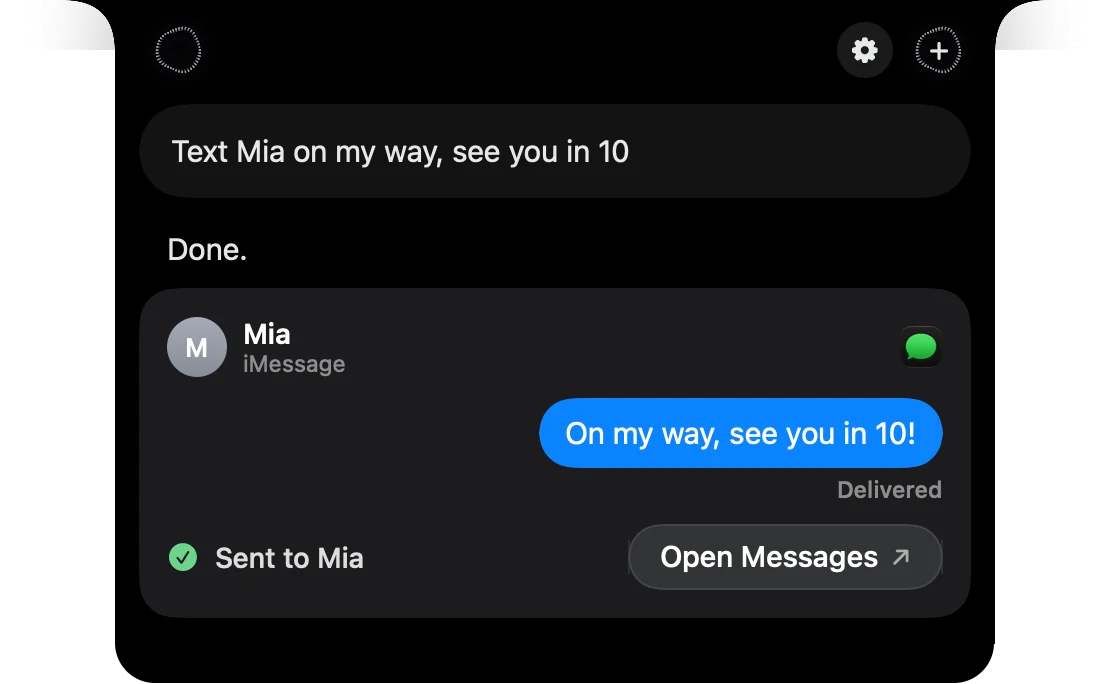
A dictation app writes. A chat app answers. A screen buddy explains. Speechy does all three.
 Speechy Speechy |  Wispr Flow Wispr Flow |  Superwhisper Superwhisper |  VoiceInk VoiceInk |  ChatGPT ChatGPT |  HeyClicky HeyClicky | |
|---|---|---|---|---|---|---|
| Clean text in any app | ||||||
| Your voice stays on your Mac | ||||||
| Answers from your apps | ||||||
| Sends and posts for you, with undo | ||||||
| Sees your screen | ||||||
| Draws on your screen | ||||||
| Takes over your Mac when you allow it | ||||||
| Builds apps in the background |
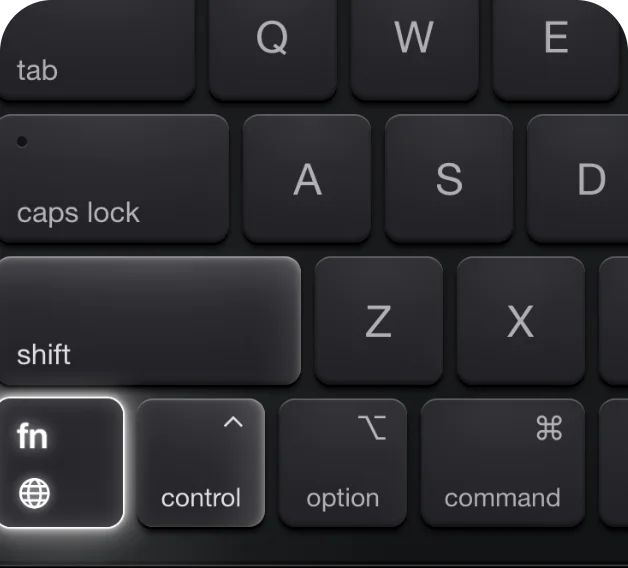
Hold fn and talk
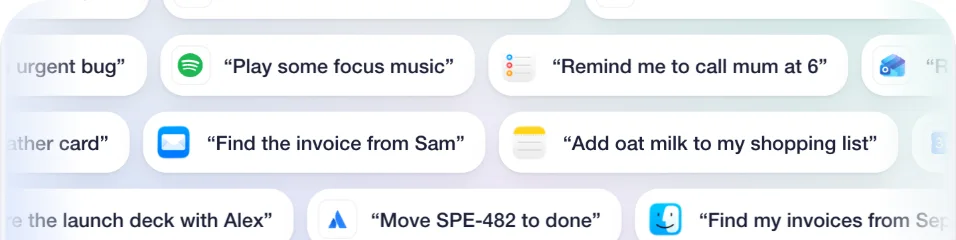
Just say what you need
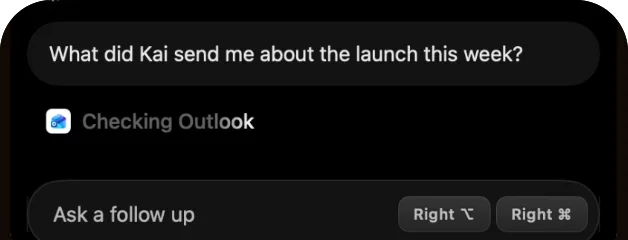
Talk to your notch
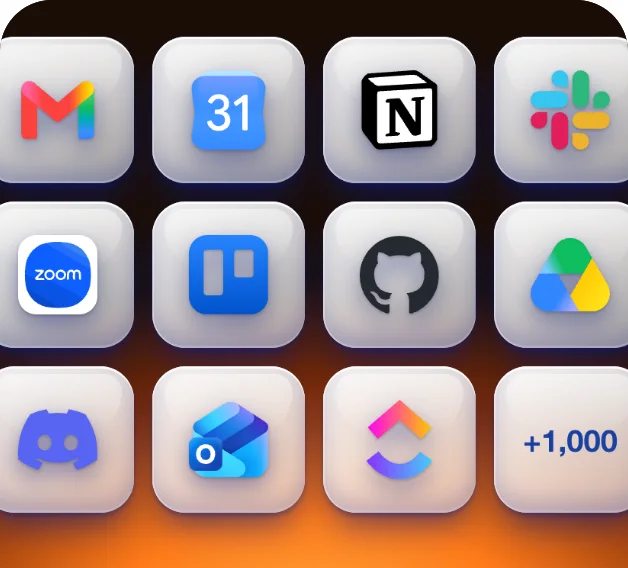
Works with 1,000+ apps
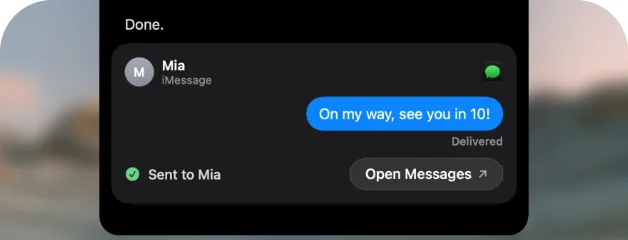
Done right in the app
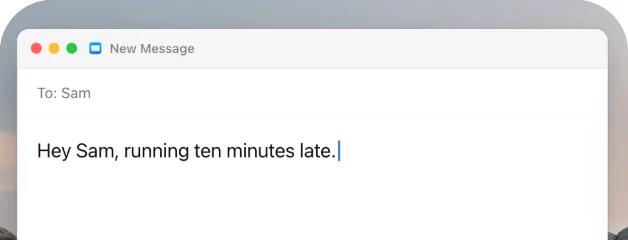
Say it messy, get it clean
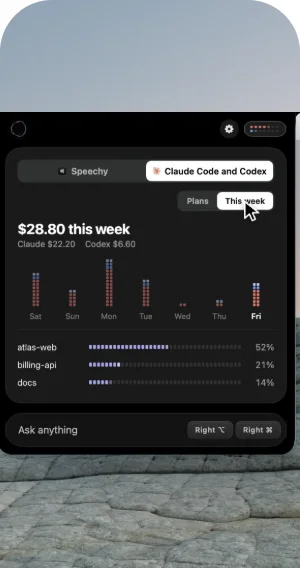
See your usage
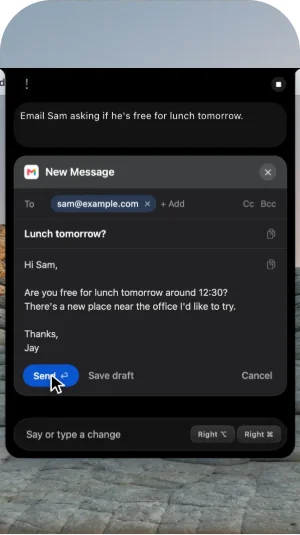
Send, with time to undo
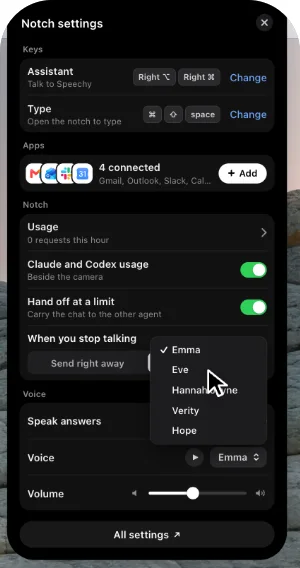
Make it yours
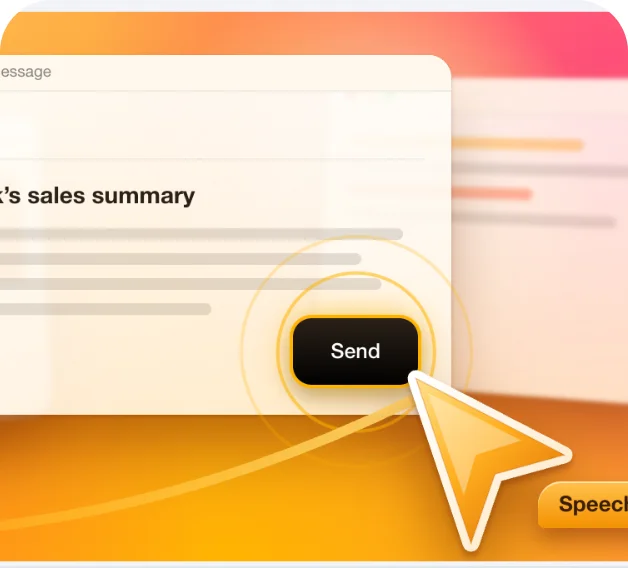
Uses your Mac, behind your windows
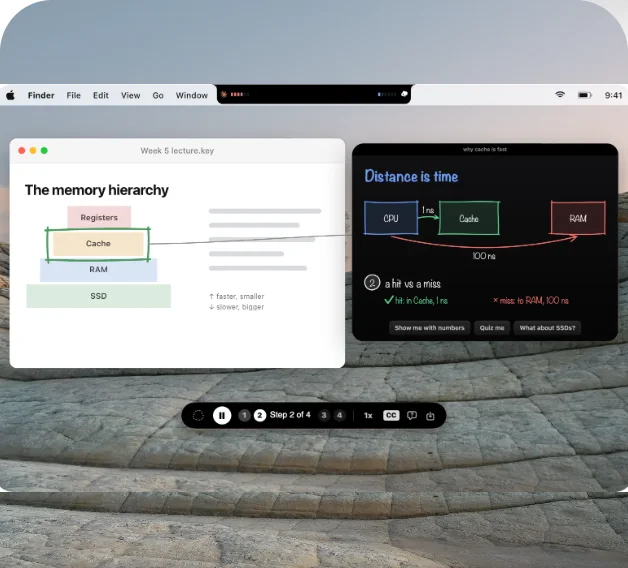
Draws on your screen to explain
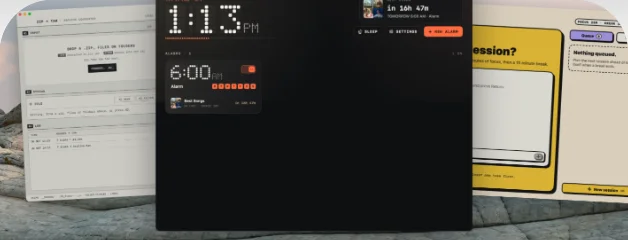
Builds you an app
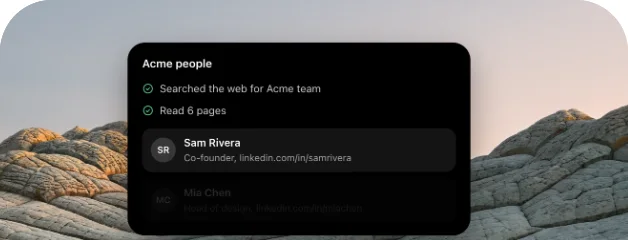
Researches while you work
Private, even offline
You set the rules
Every word, kept on your Mac
Fixes itself
Only your voice
Lists format themselves
Runs your Shortcuts
Reads answers aloud
Hands off to Claude Code
Works in the background
Finds your files
Knows what is on screen
A cursor buddy, your colour
Speaks your language
Learns your words
Live preview
Voice commands
On-device voice models
Second opinion on unsure words
Boost quiet audio
Microphone picker
Pauses your music
Pill styles
Creator Mode badge
Dictation hints
App-aware formatting
Dictation instructions
Compose sign-off
Names from the screen
Names from Contacts
File names from your code
Reference coding files
Excluded apps
Vocabulary
Replacements
Voice snippets
Import your dictionary
Undo last dictation
Discard shortcut
Paste method
Restore your clipboard
Auto submit
Crash-safe recording
Copy last transcript
Type in the notch
When you stop talking
Captions
Mac apps
Your own MCP servers
Spotify and Music cards
Press buttons without asking
What Speechy learned
History side panel
Talk about your screen
Points at your screen
Step-by-step walkthroughs
Translate text on screen
Agent side panel
Drop files on the task button
Plan first, then Undo all
Spoken updates
Hand off at a plan limit
Per-app sound mixer
Pill and notch transparency
Sound effects
History limit and auto-delete
Recently deleted
Export history
Markdown copy to your vault
Home dashboard and stats
Awards and recaps
Referral link
Menu bar
Open at login
Searchable settings
What’s New
Automatic updates
Frees memory when idle
Guided setup
Pricing
Dictation is free and stays on your Mac. Pay for how much work you hand to Speechy.
Unlimited dictation. No card needed.
macOS 14 or later, Apple silicon
Download for MacMost popular
Billed $192 a year.
Cancel in Settings anytime.
Get ProBilled $960 a year.
Cancel in Settings anytime.
Get MaxAsking the Assistant or the Agent a question and hearing the answer, about your screen or your apps.
Speechy doing the work: running an app for you, taking control, or solving a hard problem.
Dictation never stops. Agent tasks pause until next month, or upgrade.
*Unlimited is subject to abuse limits. Prices in US dollars, before any tax added at checkout. Full refund within 14 days, from Settings on your Mac.
A few things you might want to know.
Anything the apps you connect know: what's in your inbox, what's on your calendar, where a file is, what's assigned to you. It can act too: send the email, post to Slack, add the event, play the playlist, or hand a coding task to Claude Code or Codex. Gmail, Outlook, Slack, Notion, Linear, GitHub and 1,000+ more, plus Mail, Calendar, Reminders, Notes, Messages, Music and Finder on your Mac.
Your voice is turned into text on your Mac, and the recording stays there. When you ask your apps something, the question goes to the AI as text, and the apps you connected answer through their own sign in. Anything that sends, posts or creates shows in the notch first, with a few seconds to undo. When you only dictate, your words stay on your Mac.
Both turn your voice into clean text in any app. Wispr Flow transcribes in the cloud, runs on Mac, Windows, iPhone and Android, and connects a few apps: Gmail, Calendar and Slack. Speechy transcribes on your Mac, connects 1,000+ apps from the notch, and keeps dictation free and unlimited. If you need dictation on Windows or your phone too, Wispr Flow is the better fit.
Speechy is a dictation app for your Mac. Hold a key, say what you want to write, and clean, punctuated text appears wherever your cursor is: emails, messages, documents, notes, or code.
Hold the Fn key, speak, and let go. For longer thoughts, tap Fn once to start and tap again to stop. Speechy types your words into the app you are using, so there is nothing to copy and paste. A small floating pill shows when Speechy is listening, and you can pick a different shortcut in Settings.
Speech recognition and cleanup run on your Mac with on-device models, so your recordings are not sent to Speechy to be transcribed. Speechy downloads its voice model once during setup, and after that dictation does not need an internet connection. Your dictation history stays on your Mac.
Yes. Speechy removes filler words, handles corrections like "at 8, sorry, make it 9", and formats numbers, dates, emails, links, and lists. It also adjusts to the app you are in, keeping chat casual and code as code. You can say punctuation out loud or say "scratch that" to remove your last sentence.
You can dictate in English, Spanish, French, German, Italian, Portuguese, Dutch, Hindi, Japanese, and Chinese, or let Speechy detect the language for you. Some languages depend on which voice model you choose in Settings, and accuracy can vary between languages.
Turn on Only my voice and Speechy learns what you sound like, then leaves out words spoken by other people nearby. It works best when voices do not overlap.
Yes. Add names, product terms, and jargon to your dictionary so Speechy spells them right. You can also set replacements for words it keeps mishearing, and snippets that expand a short phrase into longer text you use often.
A Mac with Apple silicon running macOS 14 or later. Smart polish uses Apple Intelligence on Macs that support it, or an on-device model you can download instead. Speechy is Mac only for now, with no Windows or iPhone version yet.
Free is $0 and keeps dictation unlimited. Pro is $20 a month, or $16 a month billed yearly at $192. Max is $100 a month, or $80 a month billed yearly at $960. Prices are in US dollars before tax.
Yes. Free is not a trial: dictation is unlimited and stays on your Mac for as long as you like, with 25 Talk and 25 Agent tasks a month. Upgrade to Pro or Max when you want more.
Request a full refund within 14 days of payment. From Settings on your Mac works while your usage is small; if you have used more, email contact@speechy.tech and we will sort it out. Refunding a subscription also cancels it.




 Speechy
 Claude Code
 today.md