A summary you can edit
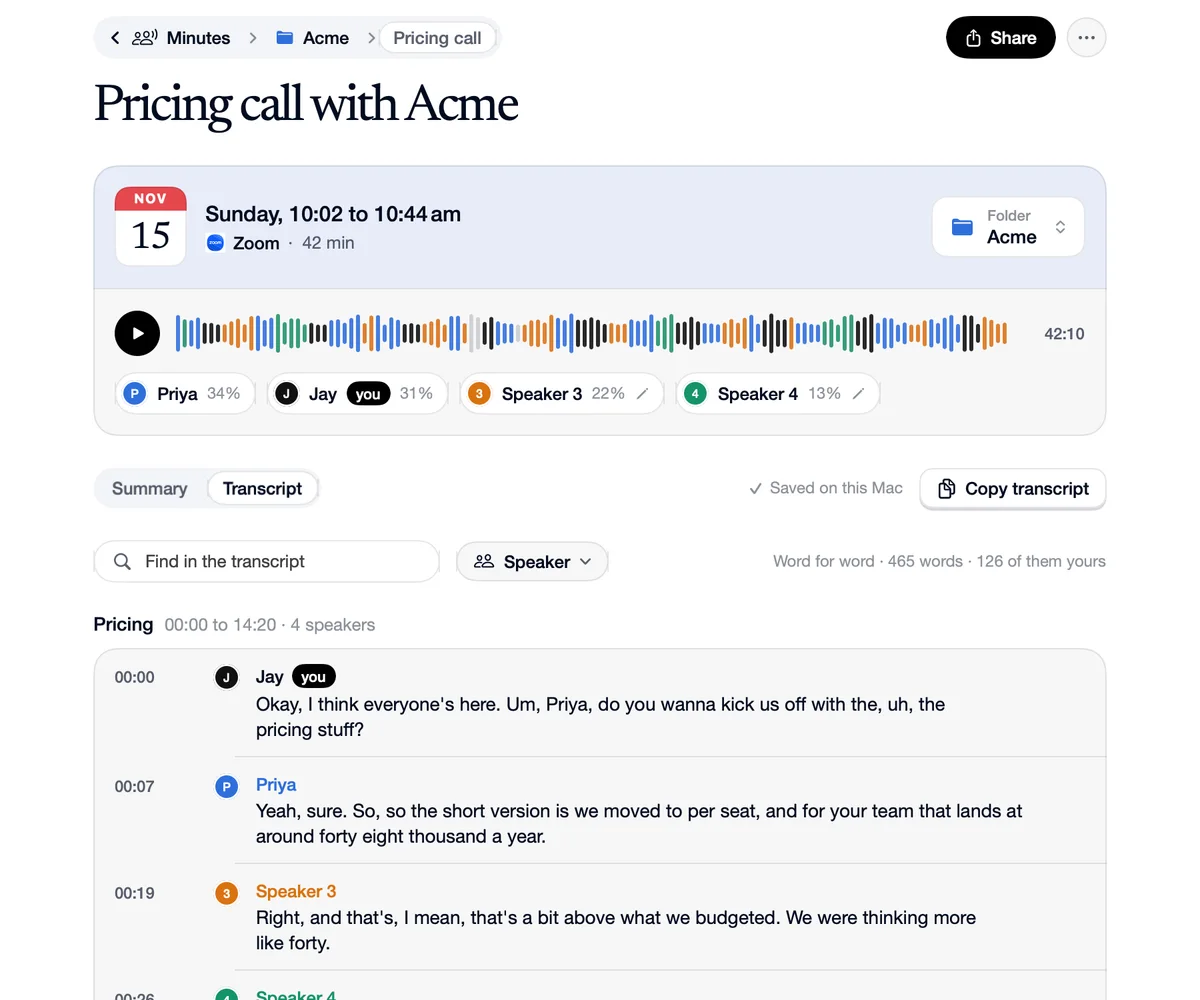
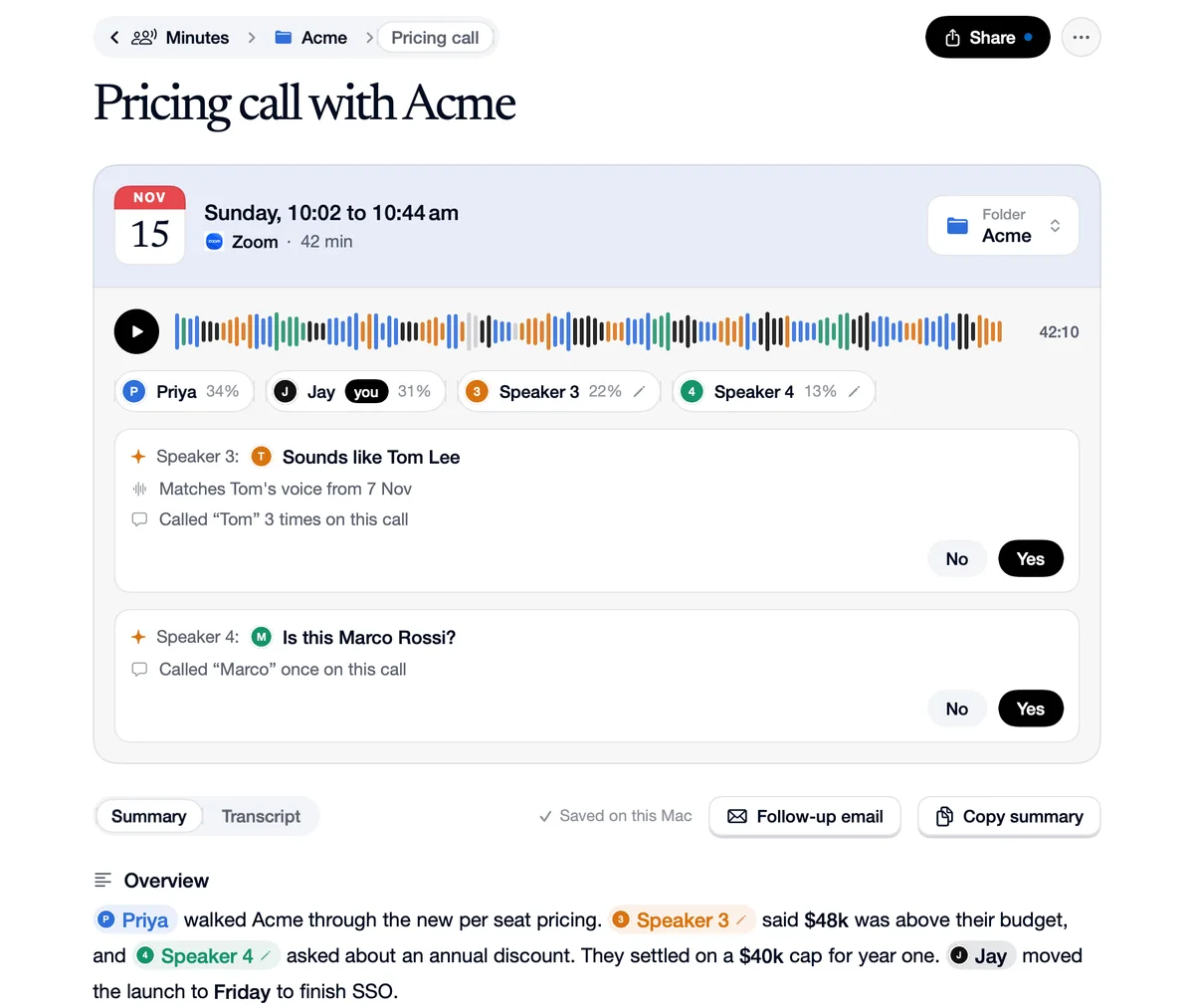
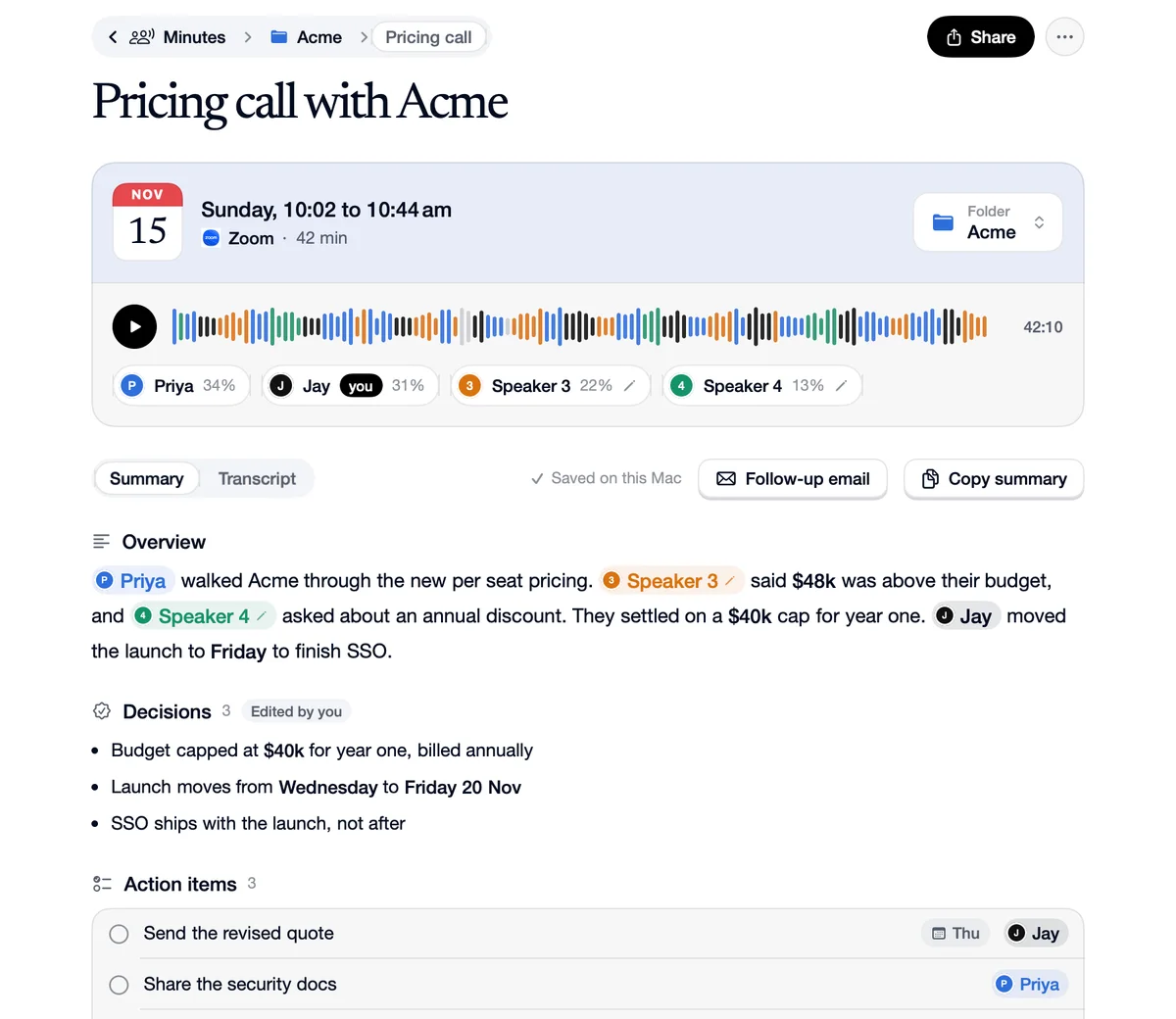
Every meeting's notes start with a title and a summary: an overview, the decisions, the action items with who owns them and when, the open questions and the chapters. Click any line to change it, press Return for a new one, and type @ to tag someone from the call. Edited sections say so, and More, Restore Speechy's summary takes you back.
How to use A summary you can edit
Read the summary
An overview, decisions, action items and open questions. Names, money, numbers and dates stand out.
Click a line to change it
Return starts the next line. Type @ for the people in the call.
Restore it any time
An edited section says so. More, Restore Speechy's summary puts the original back.
What you change, what it shows
Action items
You
“Type “@Pri” in an action item.”
It shows
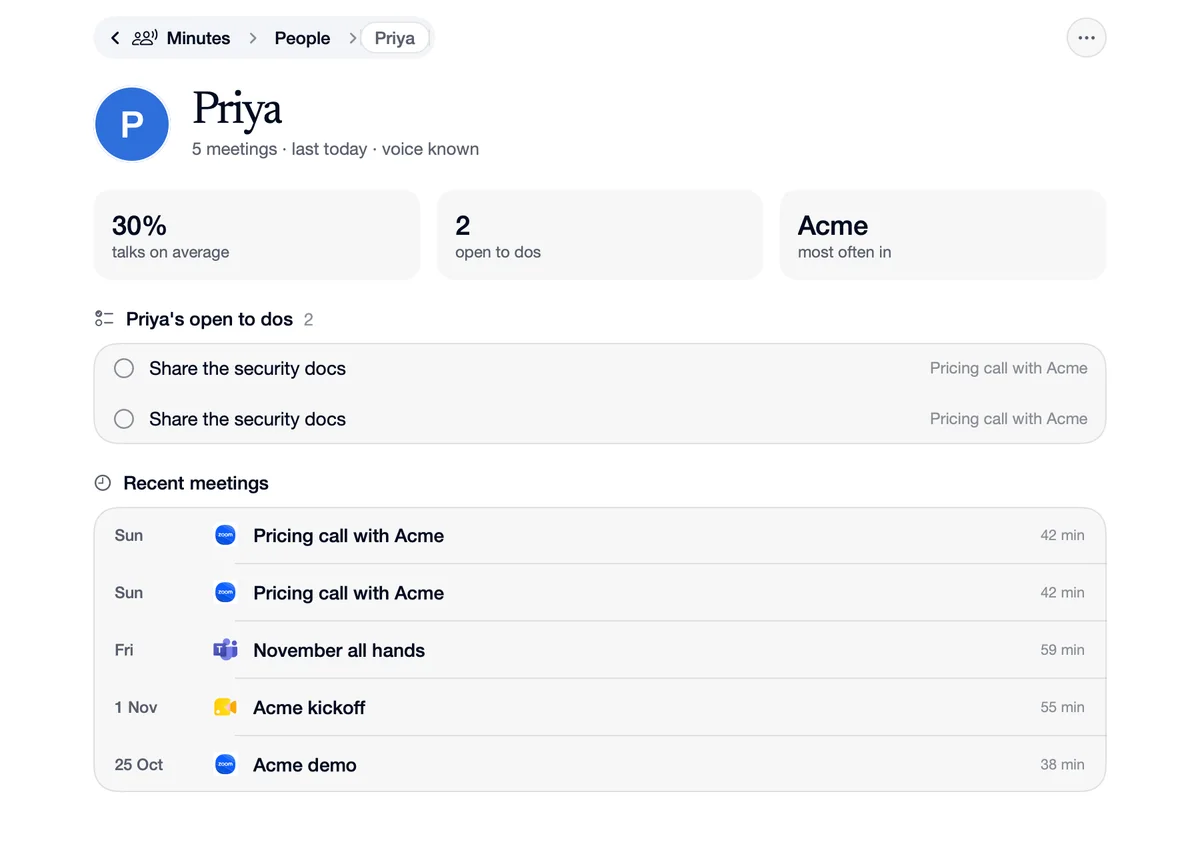
Priya's tag with her face, so the to do is hers.
Decisions
You
“Rewrite a decision that came out wrong.”
It shows
The section is marked Edited by you, and the rest stays as written.
Questions
Yes. More, Restore Speechy's summary puts back what Speechy wrote.
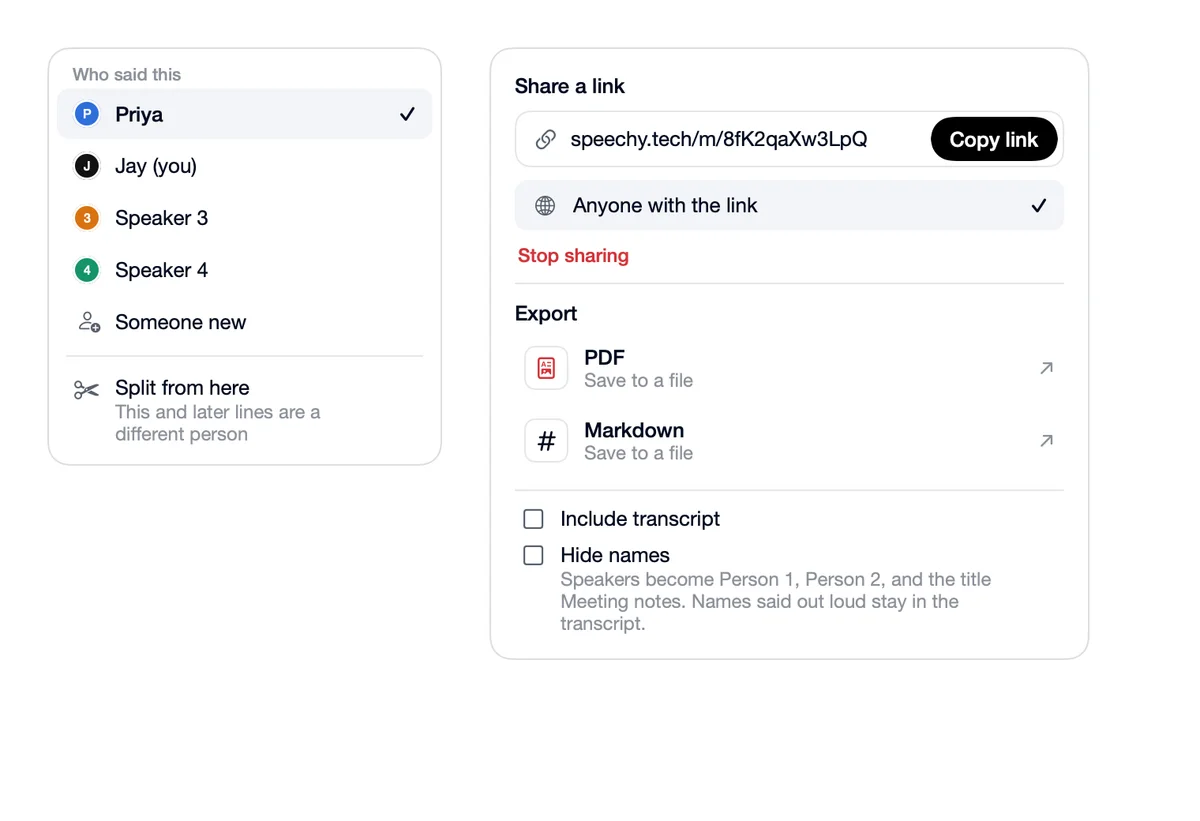
Yes. Copy summary is above the notes, and Share exports it as PDF or Markdown.