Follow-up email
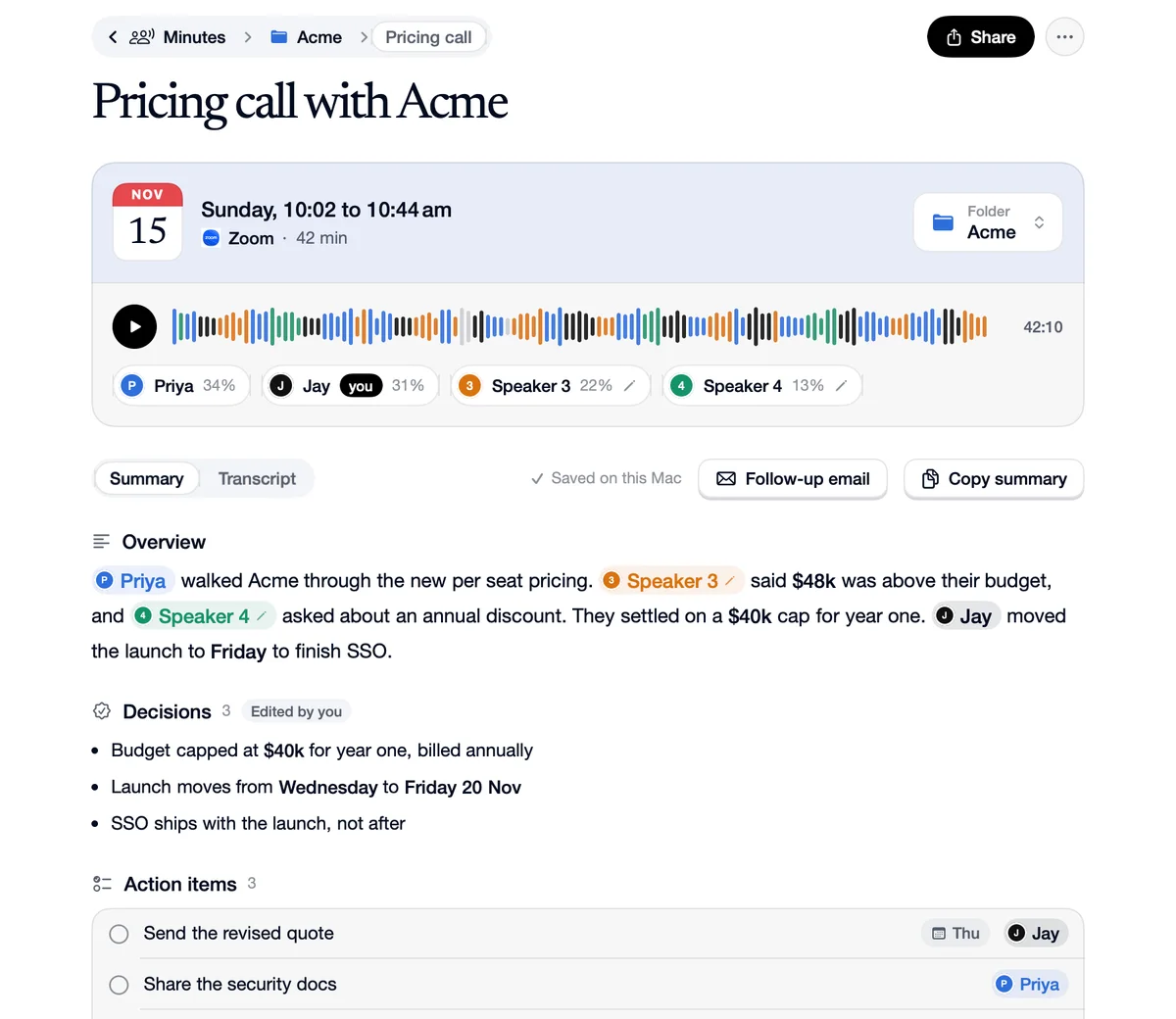
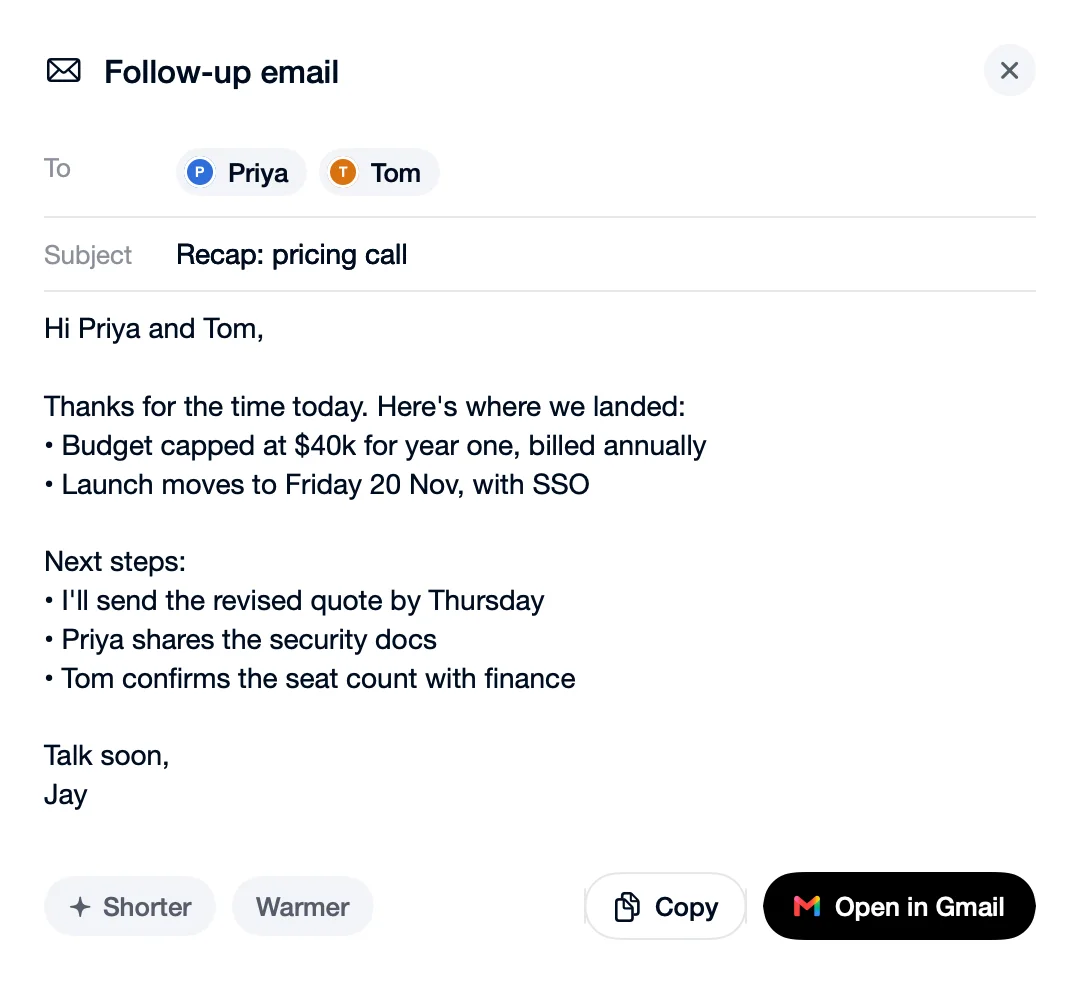
Click Follow-up email on a meeting and Speechy writes the recap from its decisions and next steps, addressed to the people who were there. Make it Shorter or Warmer, then Copy it, or save it as a Gmail draft to open in Gmail. Nothing is sent for you.
How to use Follow-up email
Click Follow-up email
On the meeting's page, above the notes.
Read the draft
To the people who were there, with what you agreed and what happens next.
Copy it or open it in Gmail
Shorter and Warmer rewrite it first. It's saved as a draft; you send it.
What you click, what you get
 Gmail
You
“Open in Gmail.”
You get
A draft in your Gmail, addressed and ready to send.
Follow-up email
You
“Shorter.”
You get
The same recap in fewer lines.
Questions
No. It saves a draft in Gmail, or you copy it. You send it.
Yes. Hide names applies to the email as well as everything else you export.