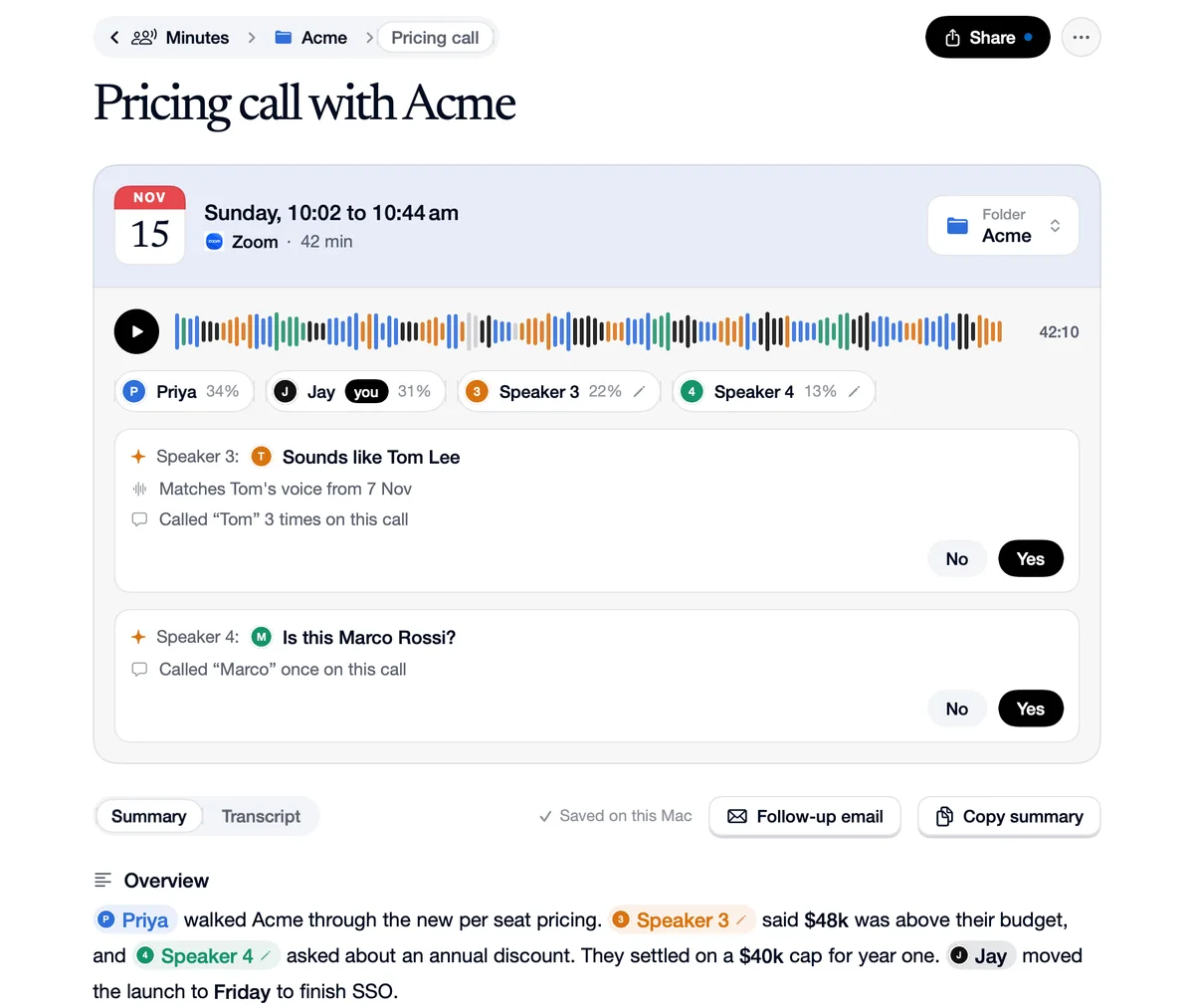
Fix who said a line
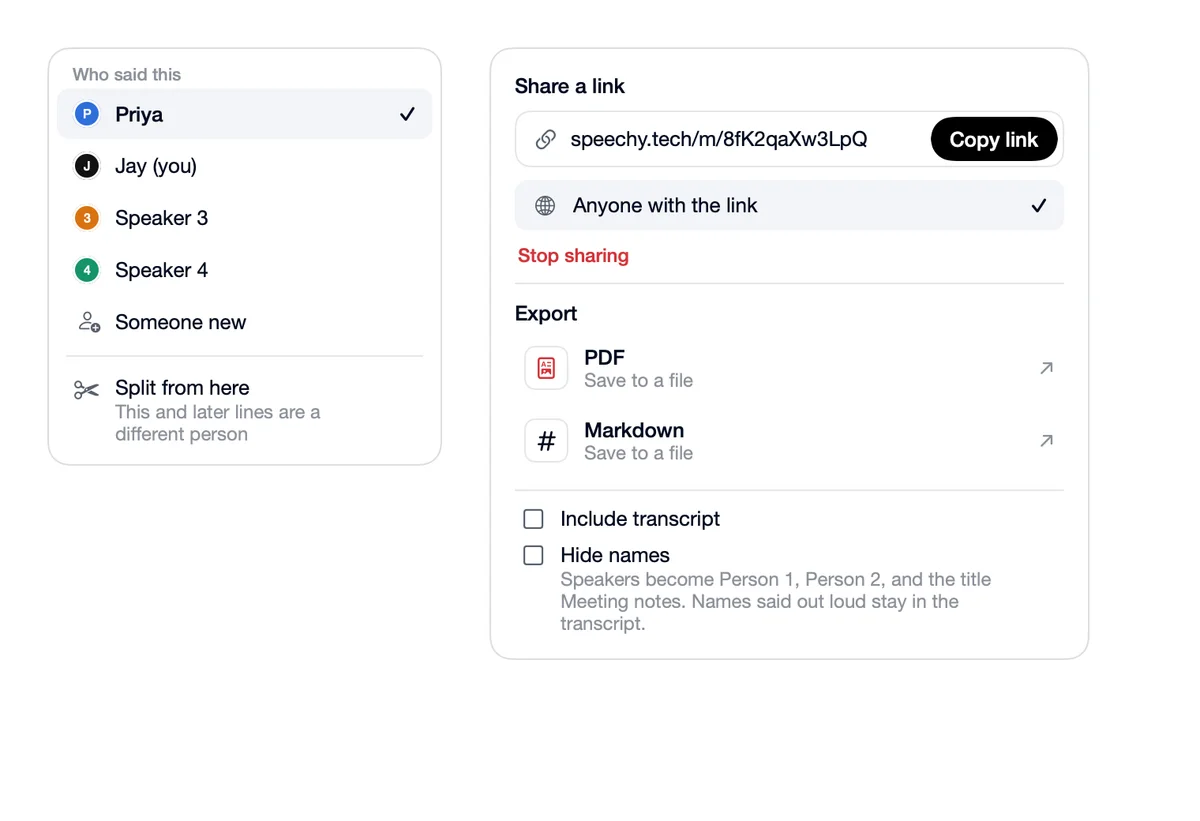
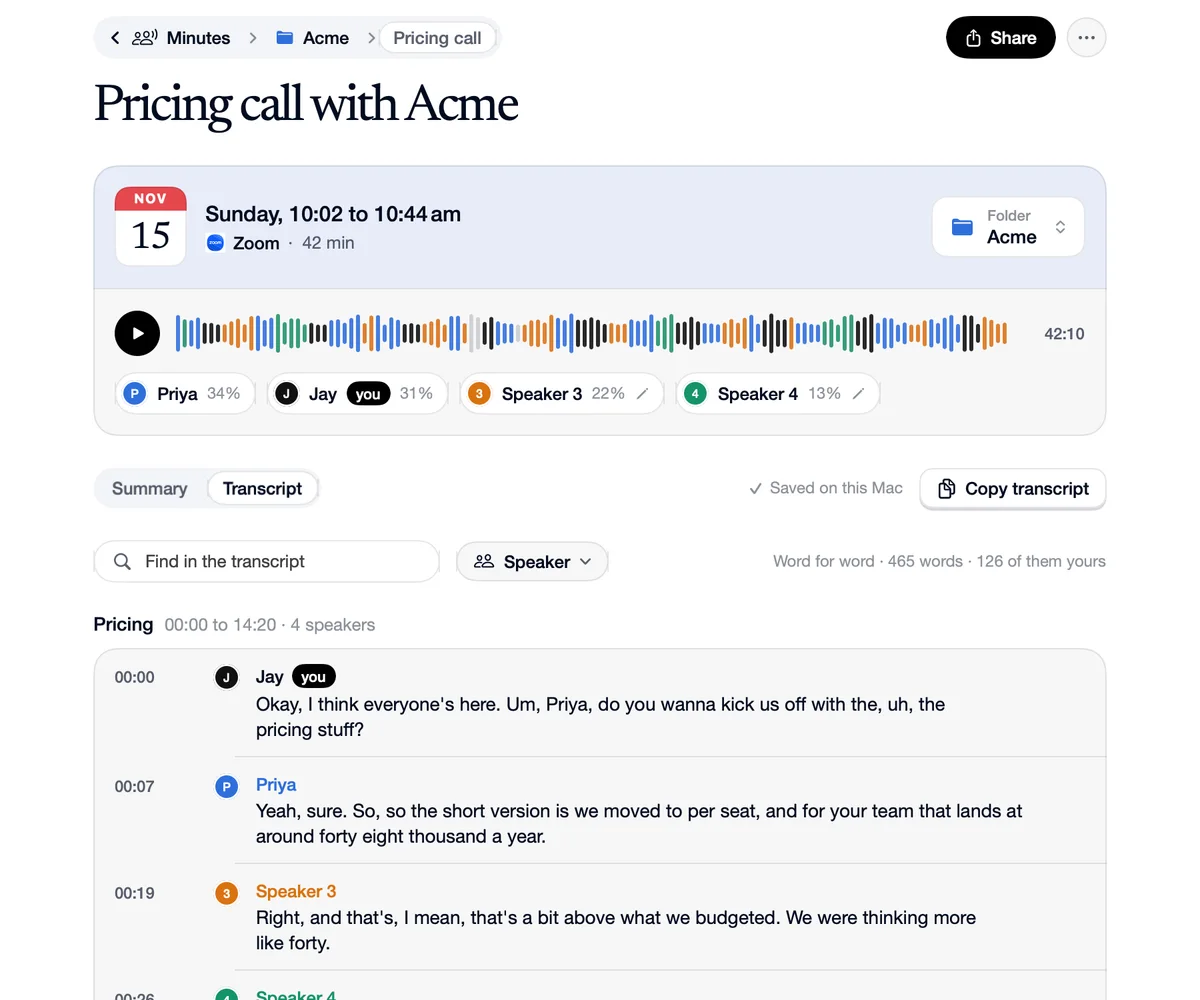
In the transcript, click who said a line. Give it to someone else in the call, to someone new, or Split from here when two people ended up in one turn. The speakers a fix touches are heard again from their corrected lines, and named ones learn their voice. A meeting you corrected keeps its transcript when its notes are written again.
How to use Fix who said a line
Click who said it
On any line in the transcript.
Pick the right person
Or Split from here, so this line and the ones after go to someone else.
It learns
The voices it touched are heard again from your fixes.
What went wrong, what you do
Transcript
Wrong
“Tom's answer is under Priya.”
You
Click Priya on the line and pick Tom.
Transcript
Wrong
“Two people in one long turn.”
You
Split from here where the second person starts.
Questions
No. A meeting you corrected keeps its transcript.