Folders
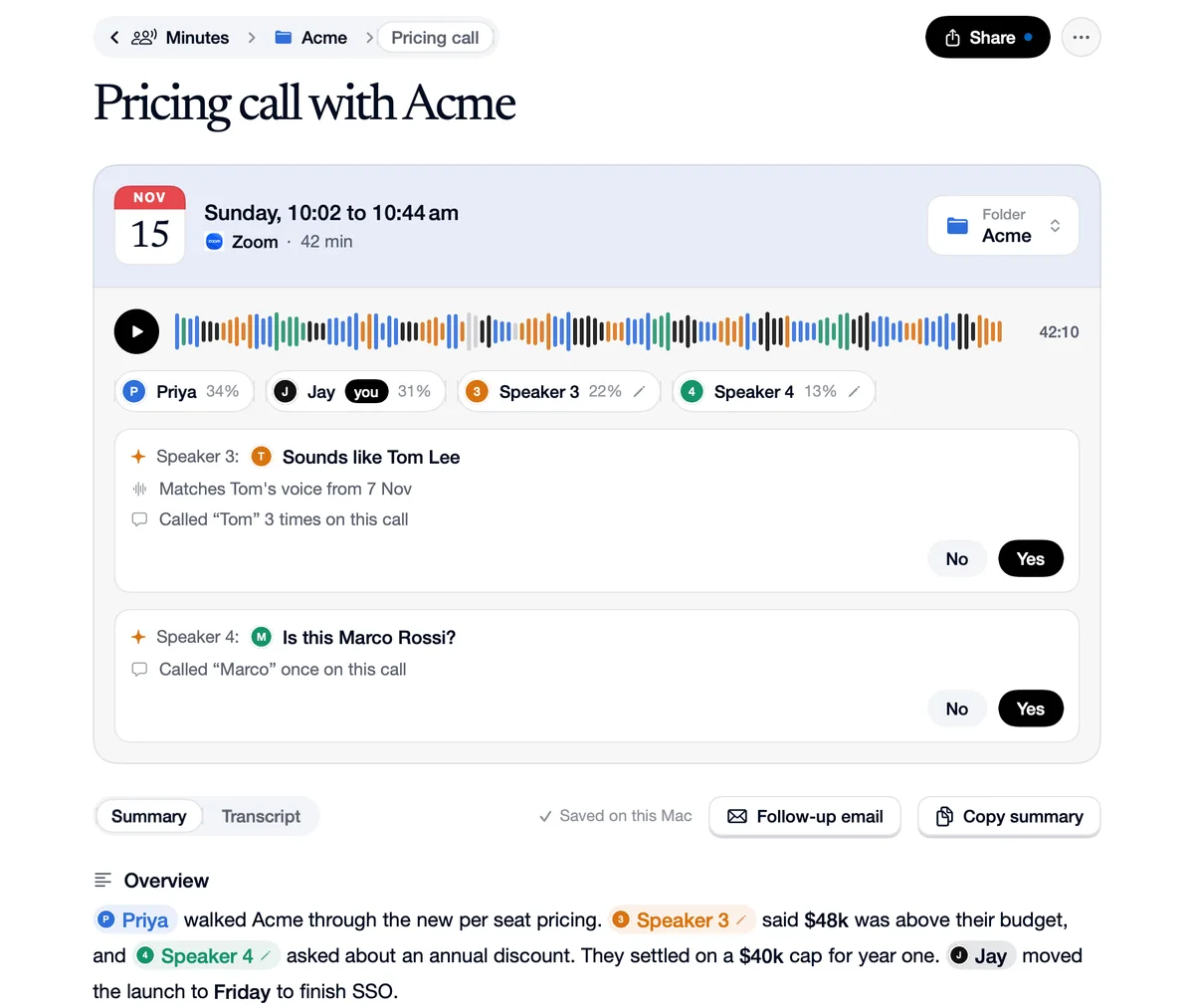
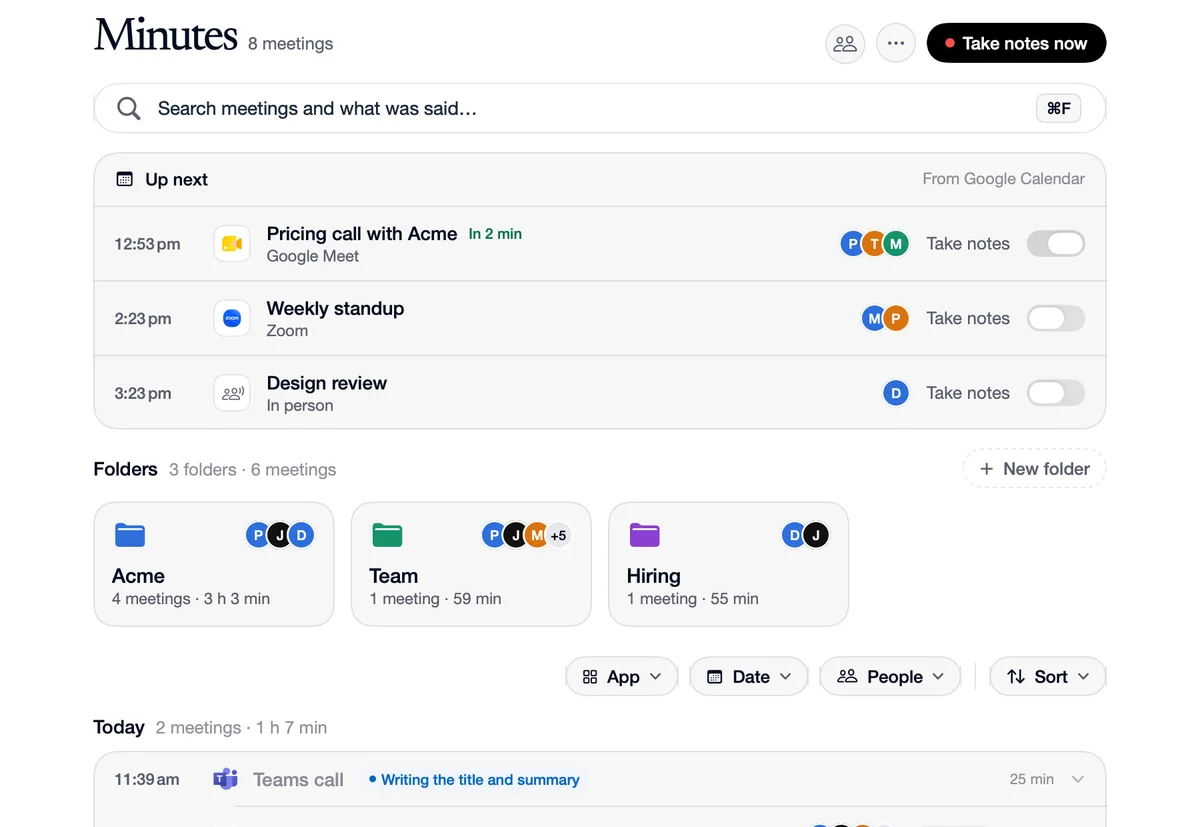
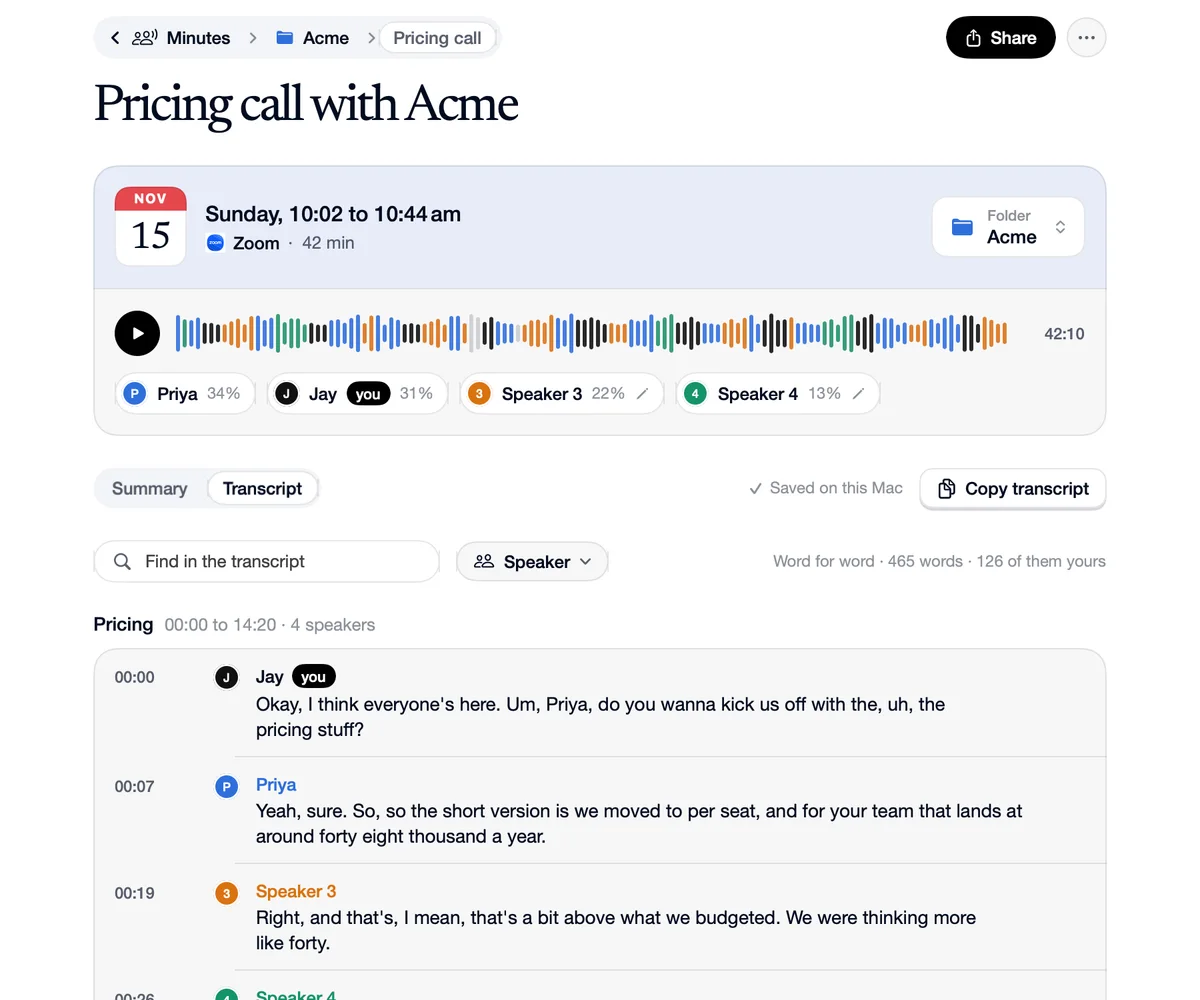
Minutes keeps your meetings like History: a search, your folders as tiles, then recent meetings by day with App, Date and People filters. Drag a meeting onto a folder to file it. A folder's page shows its meetings, who's usually there and a Take notes now button that files the next call straight into it. Name the people in an unfiled call and it moves to where their other calls are.
How to use Folders
Make a folder
On the Minutes page, with a name and a colour.
Drag a meeting onto it
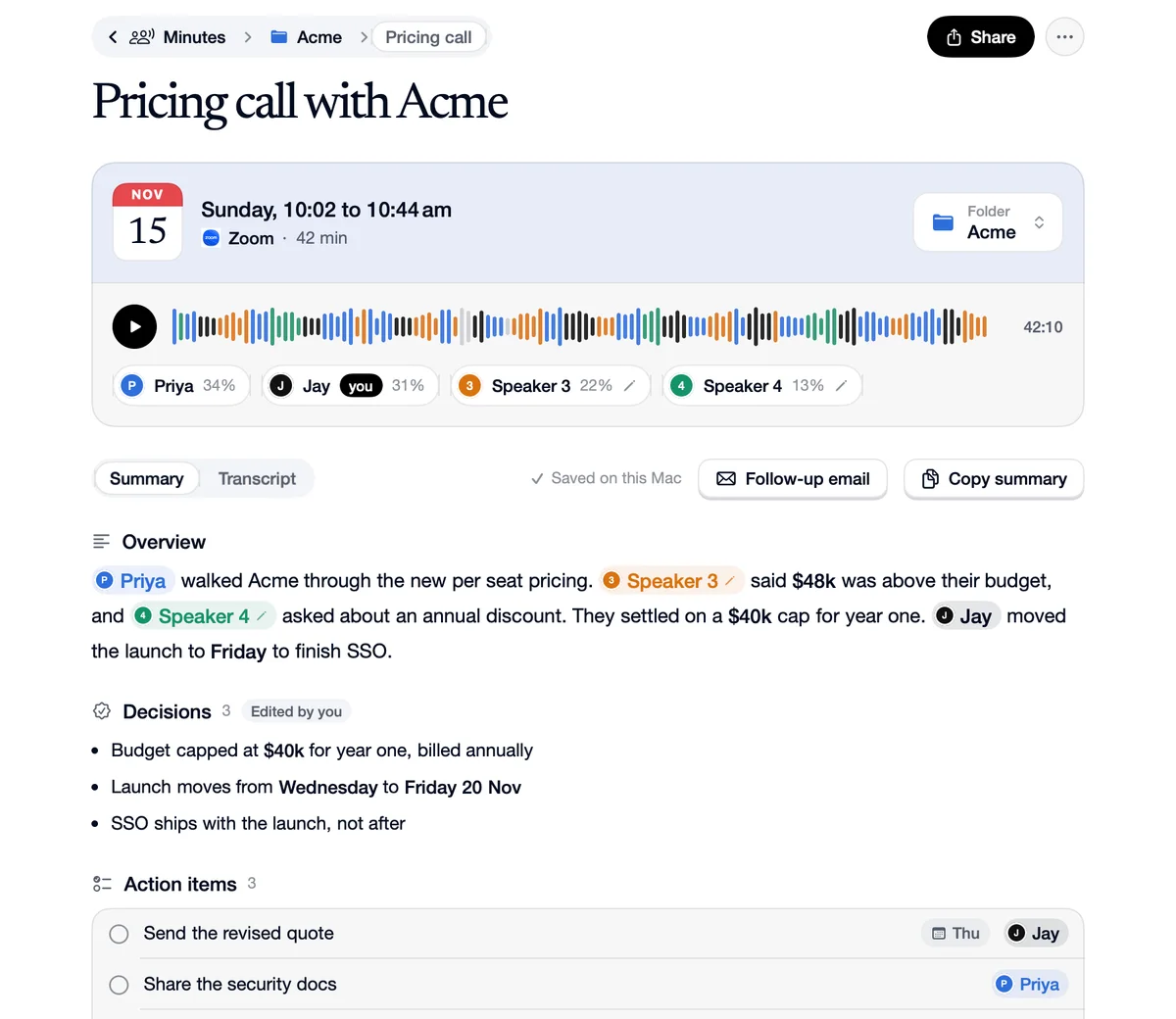
Or name the people in a call, and it files itself where their other calls are.
Take notes into it
A folder's Take notes now files the next meeting straight there.
What you do, where it goes
Acme
You
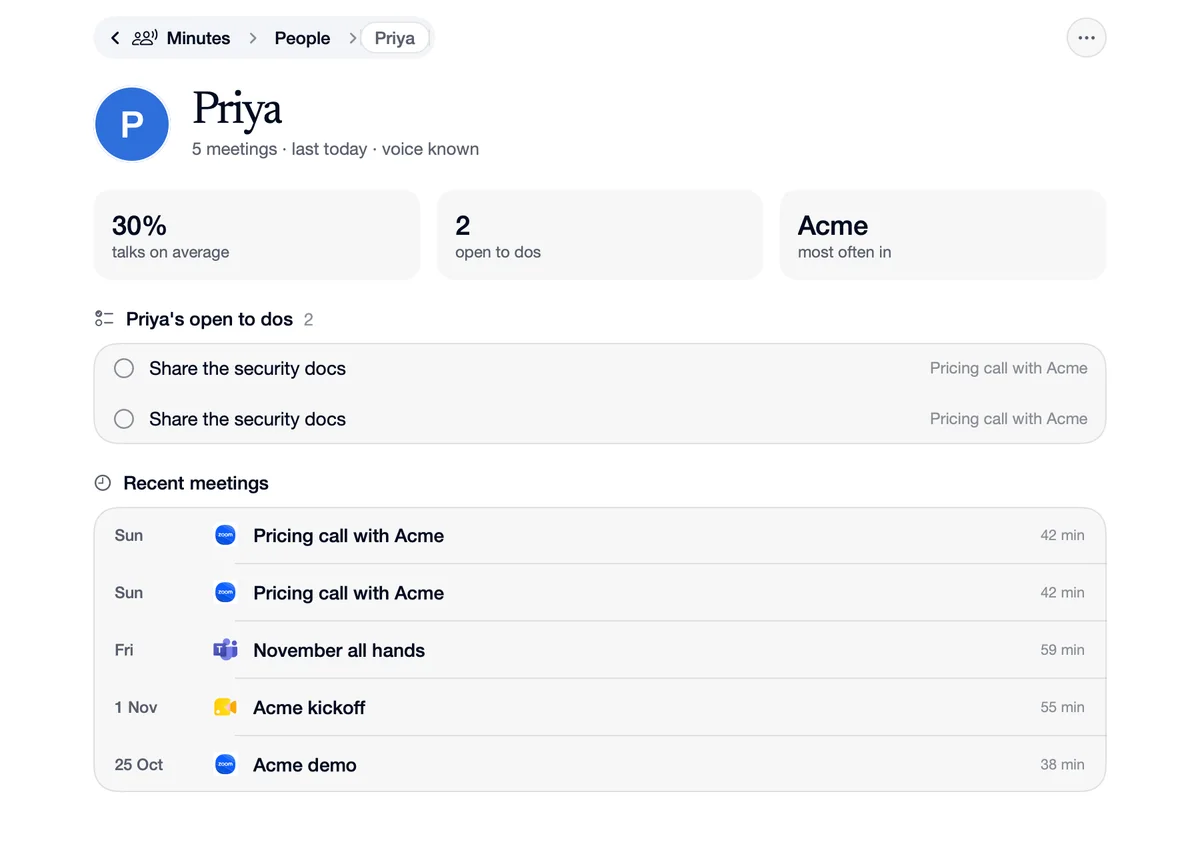
“Name Priya in a call that wasn't filed.”
It goes
It moves to Acme, where Priya's other calls are.
Hiring
You
“Click Take notes now on the Hiring folder.”
It goes
The next interview's notes land in Hiring.
Questions
Yes. The search on the Minutes page looks through every meeting and what was said.