People pages
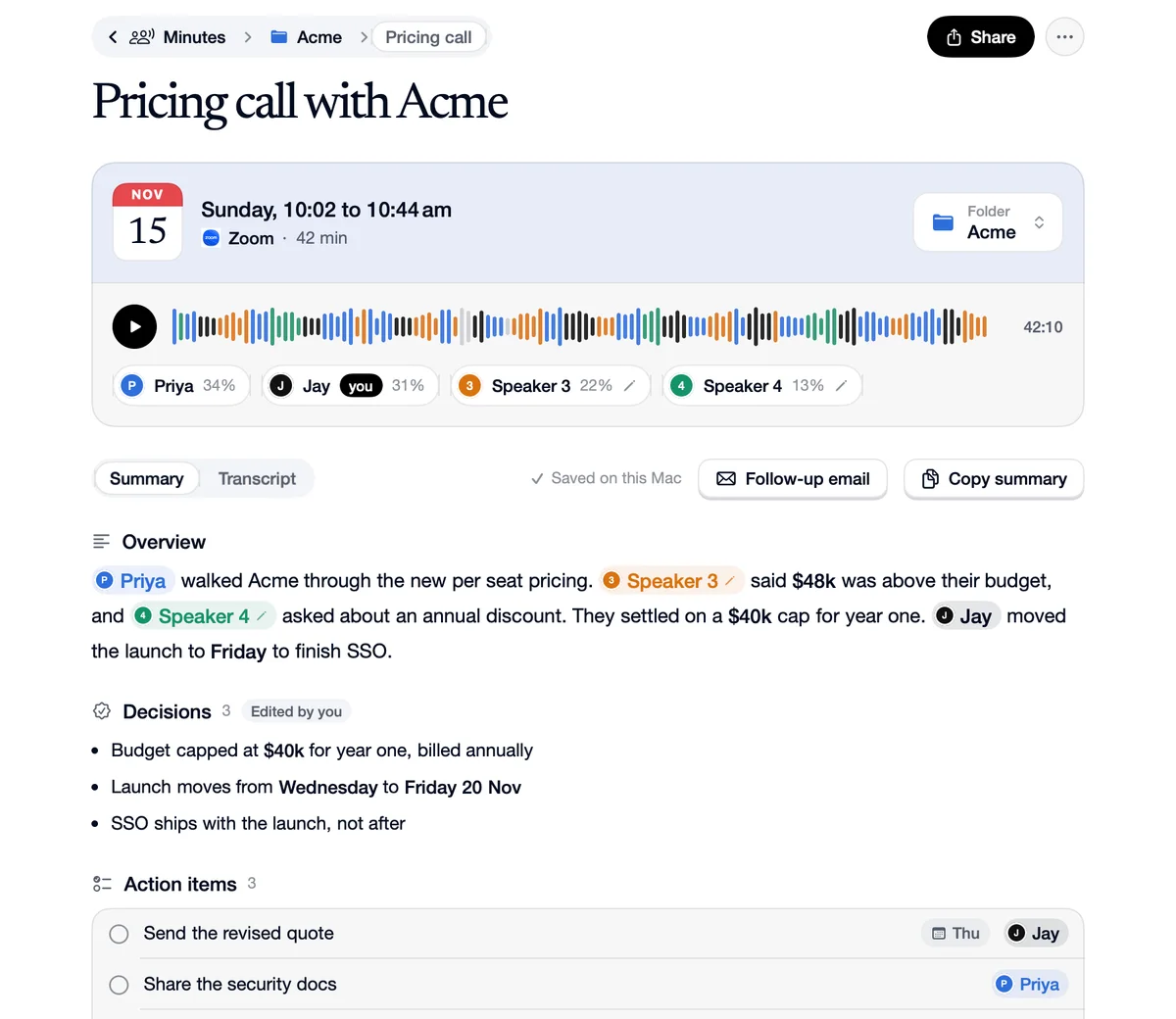
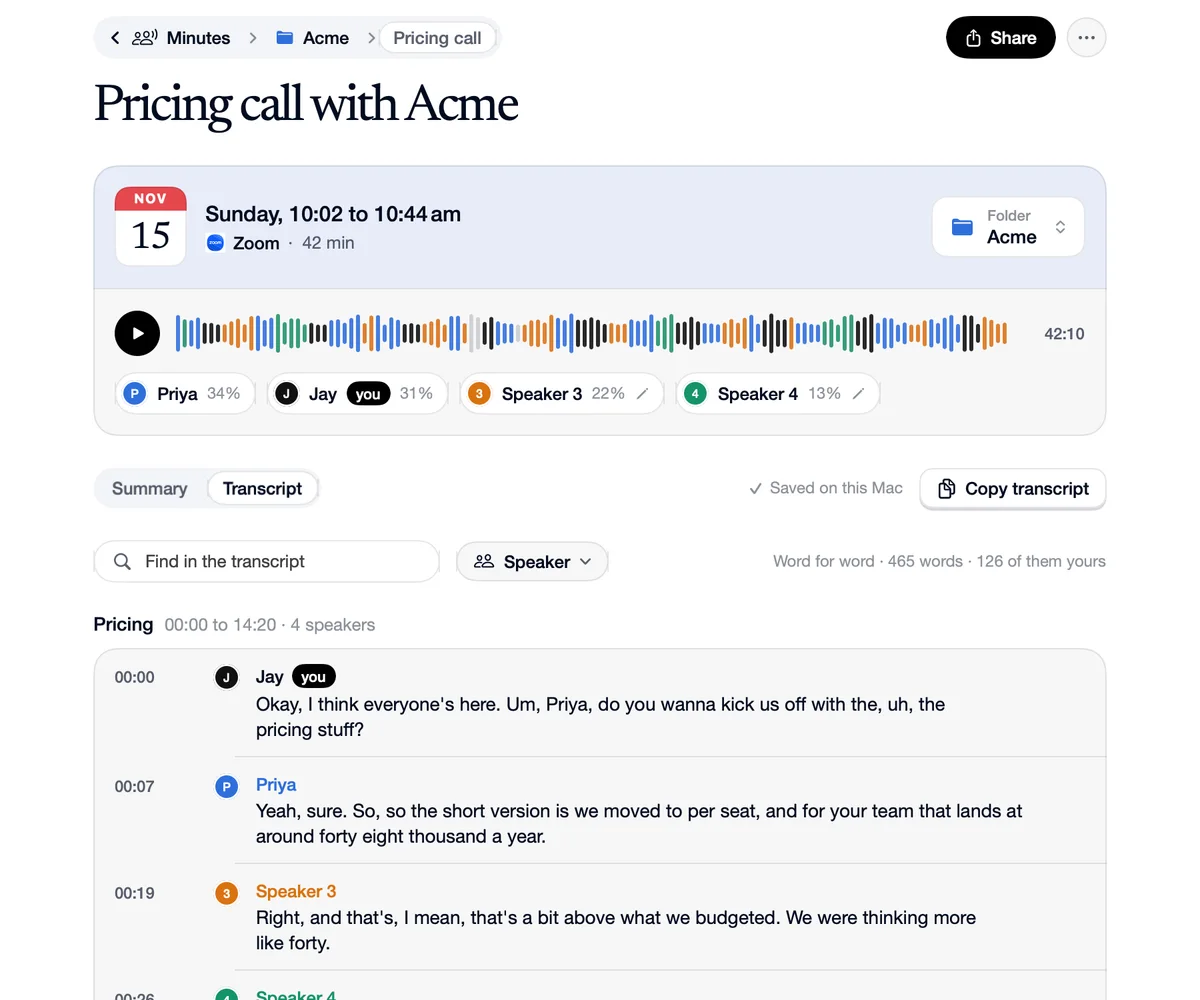
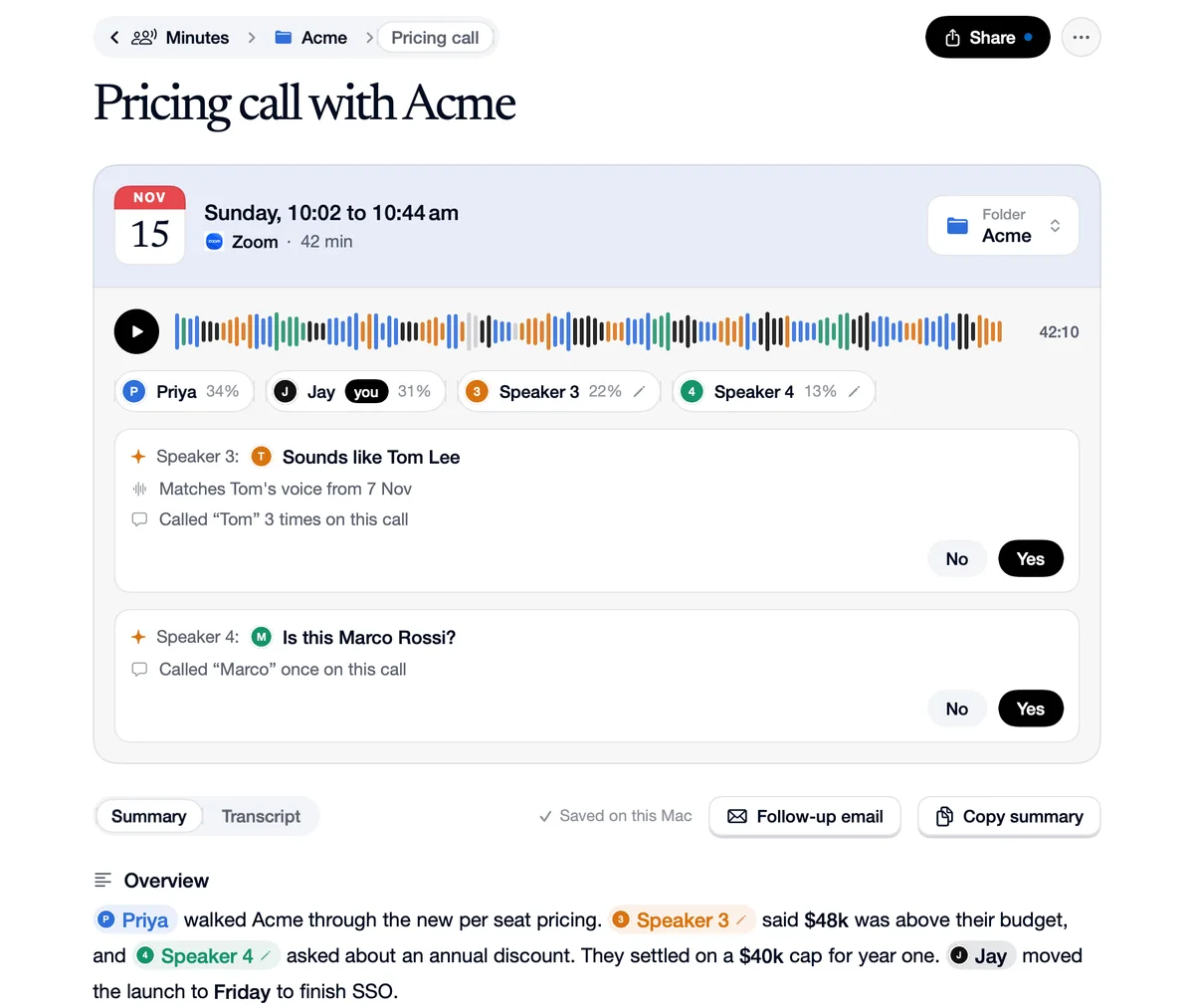
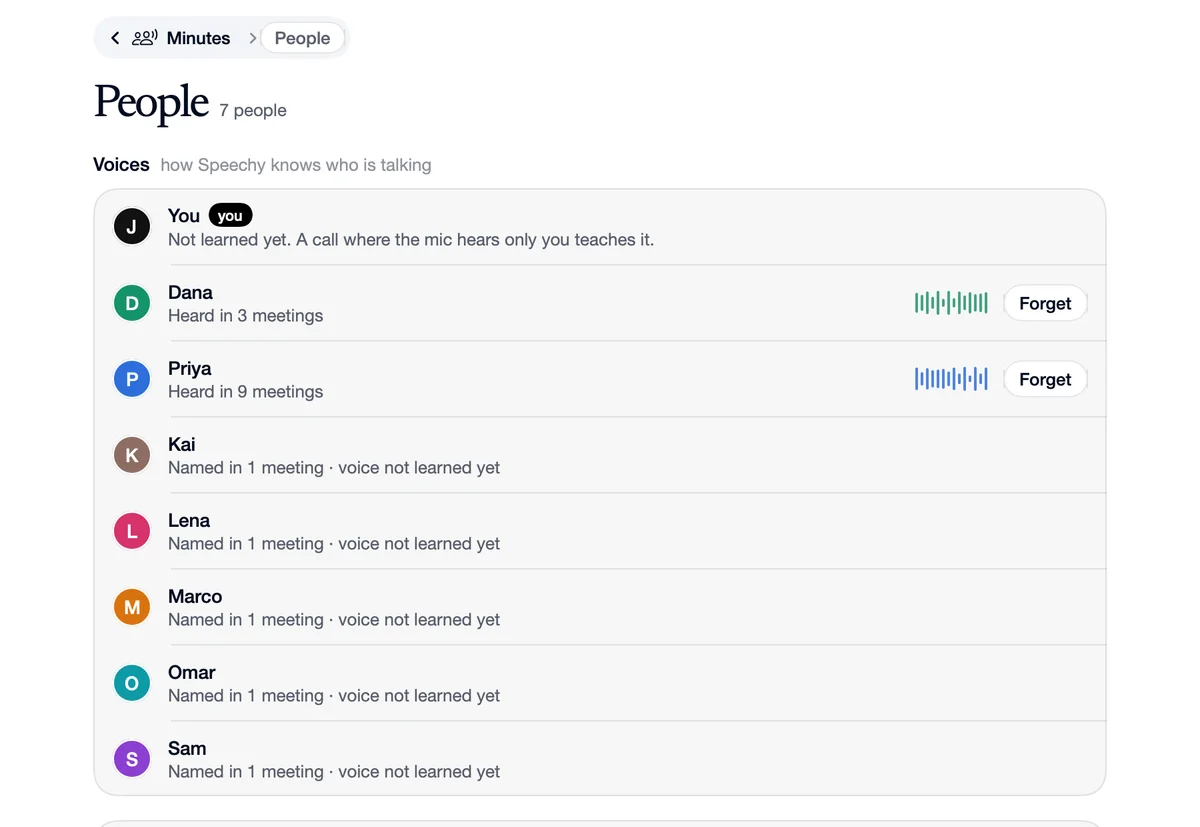
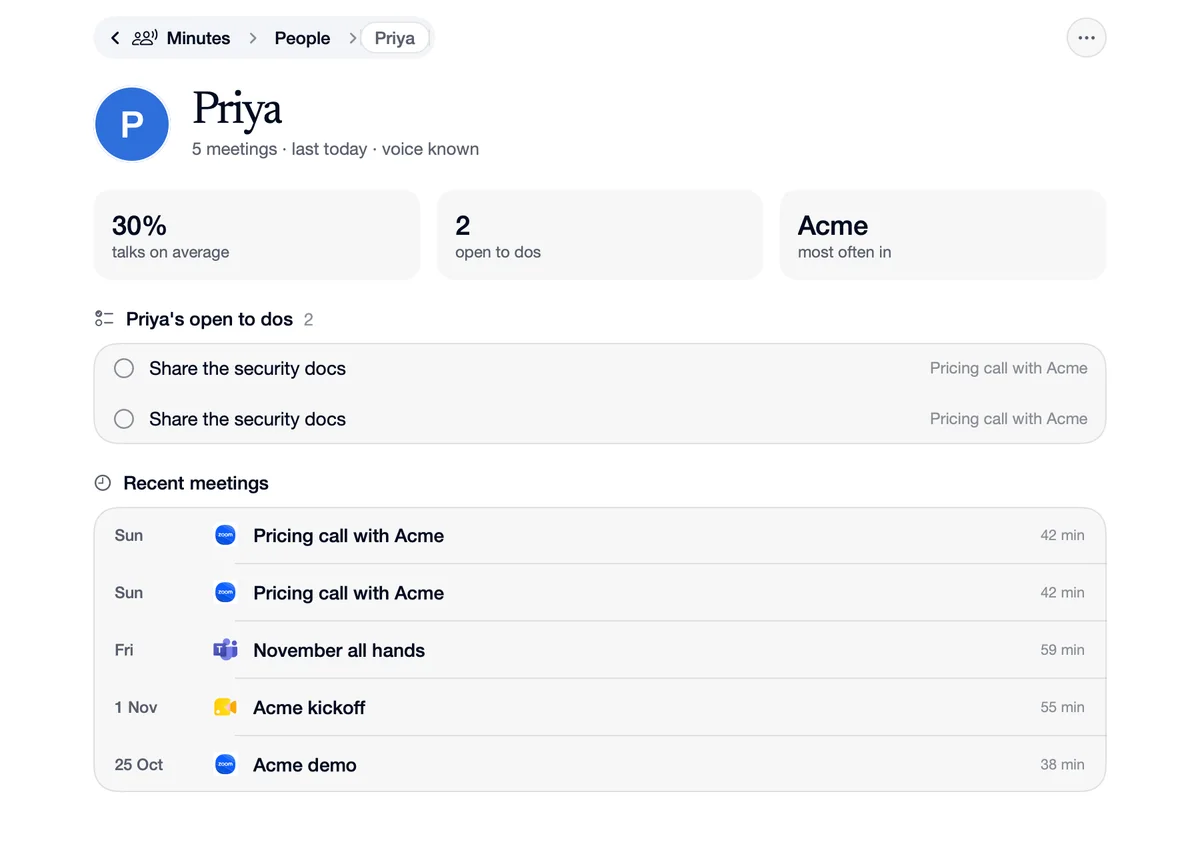
The People page lists the voices Speechy knows, how many meetings each was in, and a Forget button. Open a person to see every meeting they were in, how much of the talking is theirs and the to dos they still have open. A person is their name across all your meetings.
Download SpeechyFree to start. No card needed.
How to use People pages
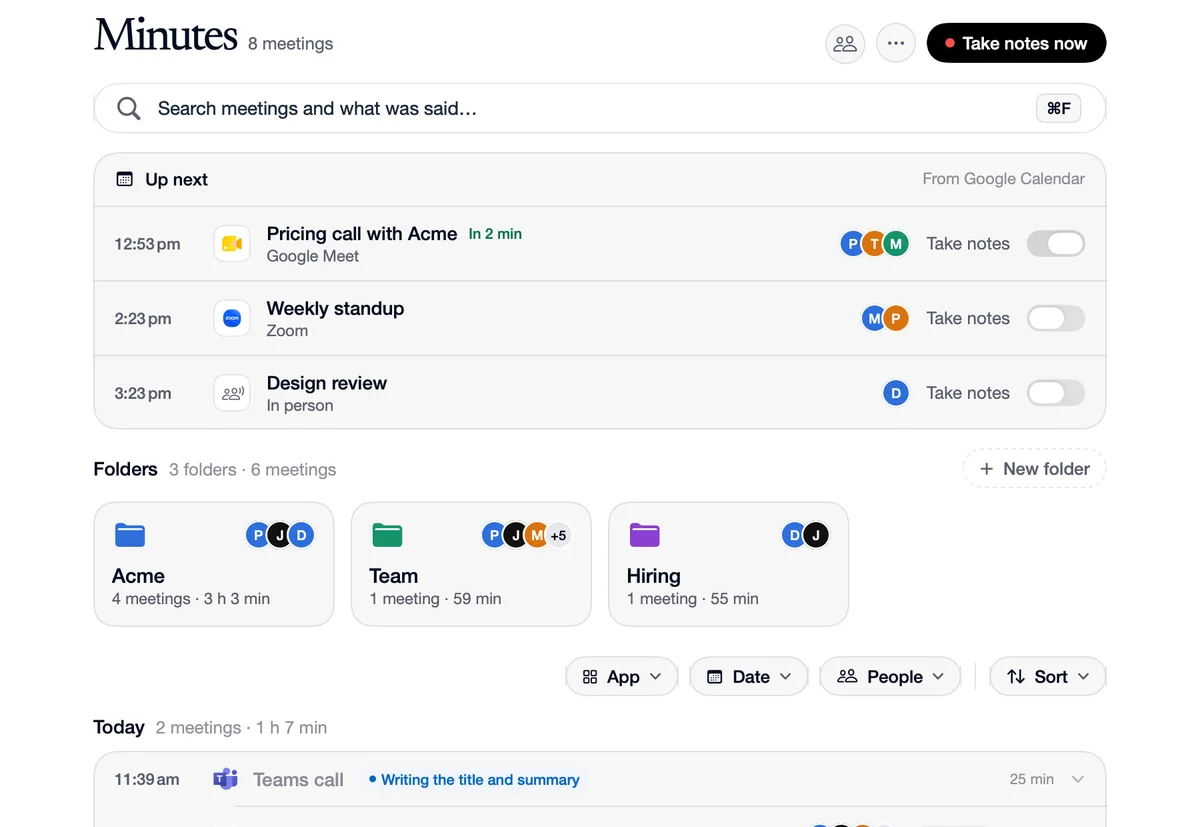
Open People
From the Minutes page.
Open a person
Their meetings, their share of the talking, and their open to dos.
Forget a voice
Removes it from your Mac.
What you want, where it is
People
You want
“What Priya still owes you.”
Where
Her page lists her open to dos, with the meeting each came from.
People
You want
“Every call with Tom.”
Where
His page lists them, newest first.
Questions
No. People and their voices are kept on your Mac.