Start meeting notes shortcut
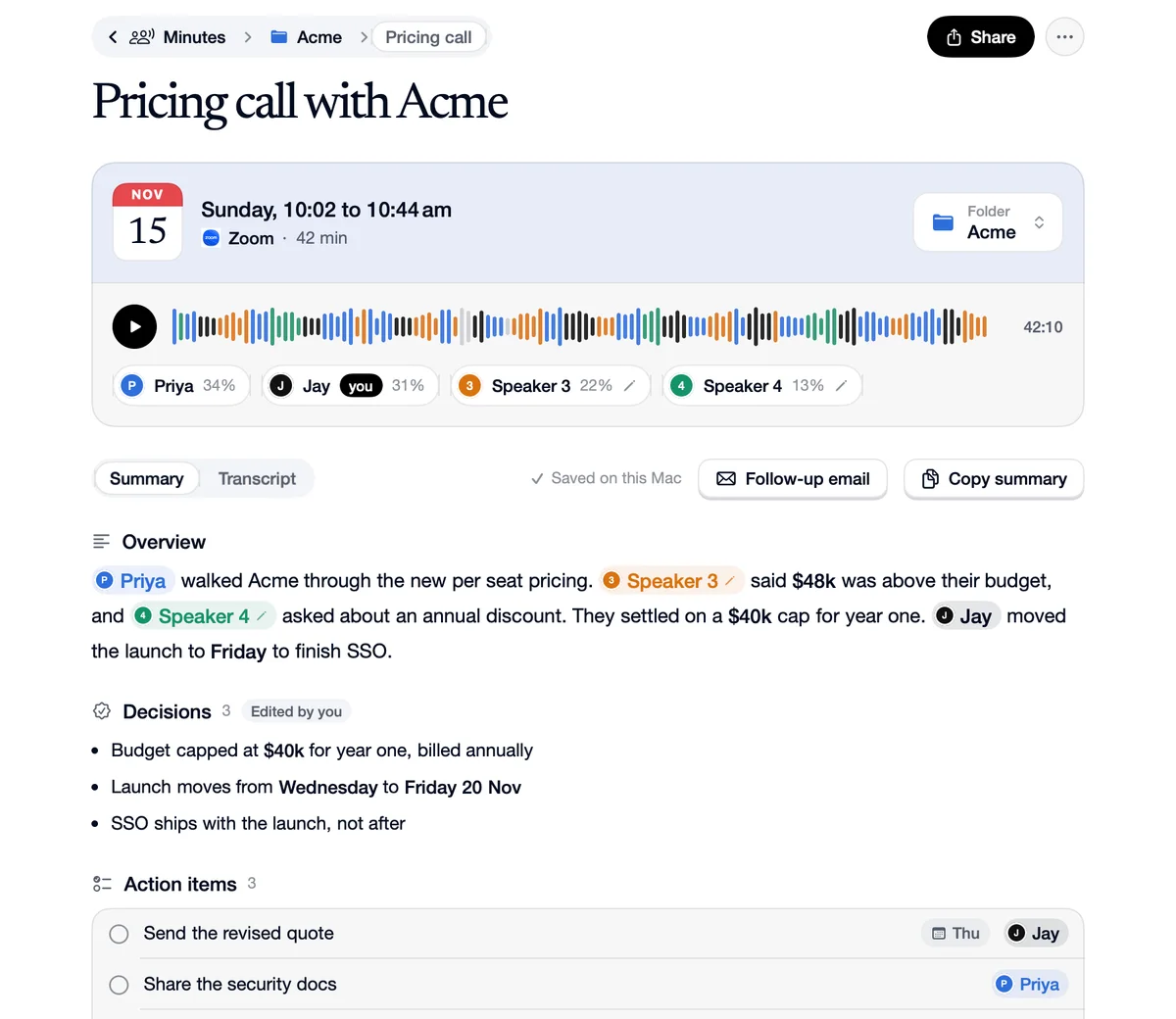
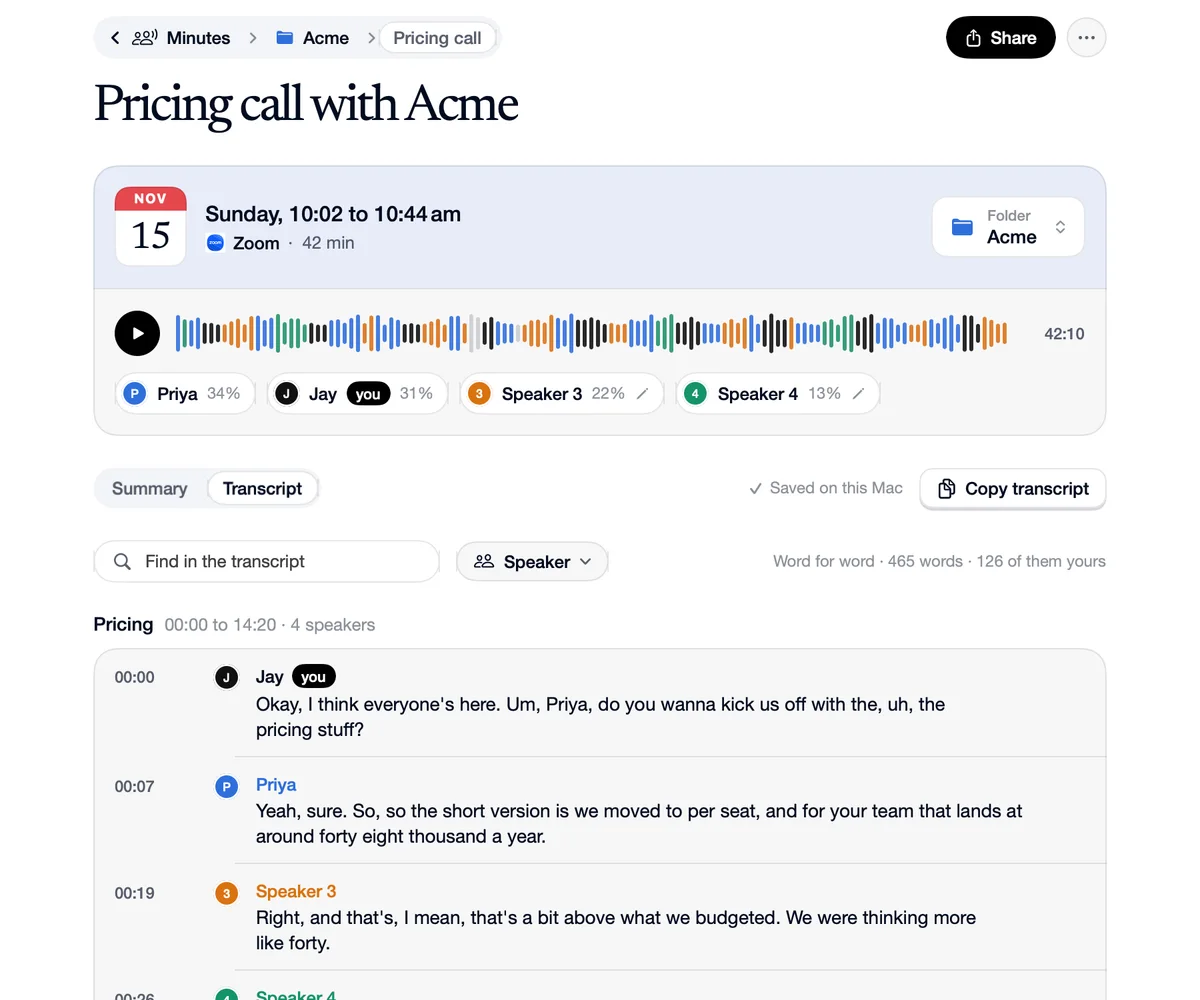
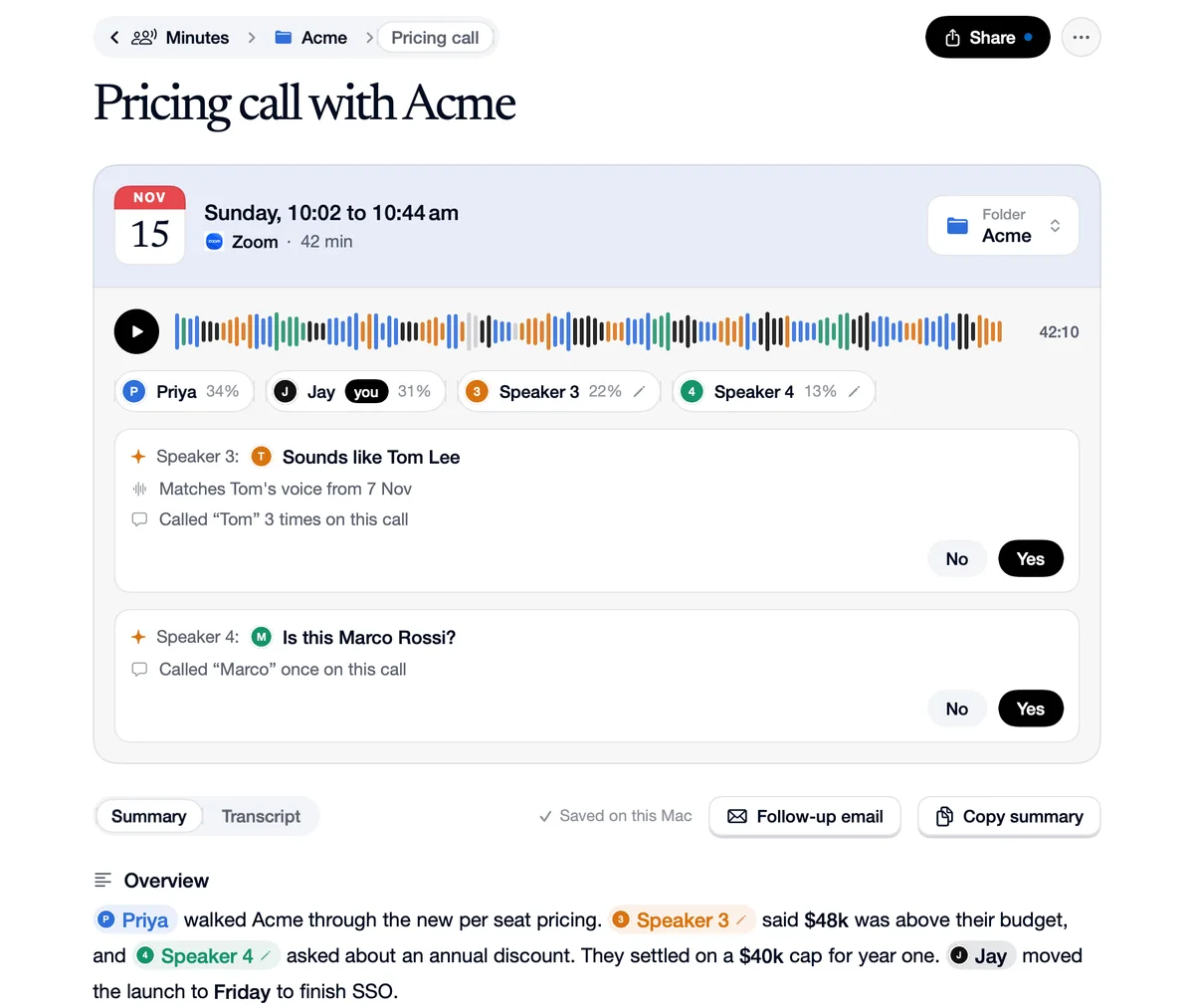
Control Option M starts meeting notes from any app: for the call you're on, or for a meeting in the room, where Speechy listens through your Mac's microphone and tells the voices apart. Press it again to stop. The shortcut is in Settings, Shortcuts, and Take meeting notes is also in the menu bar menu.
How to use Start meeting notes shortcut
Press ⌃⌥M
From any app, in a call or in the room.
It takes notes
In the room, the notch's card opens for a moment so you know it started.
Press it again to stop
The notes are written when you stop.
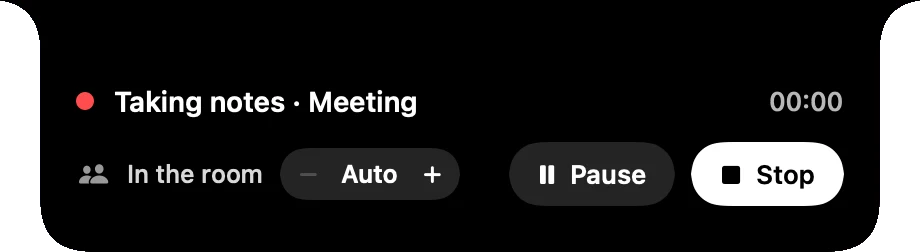
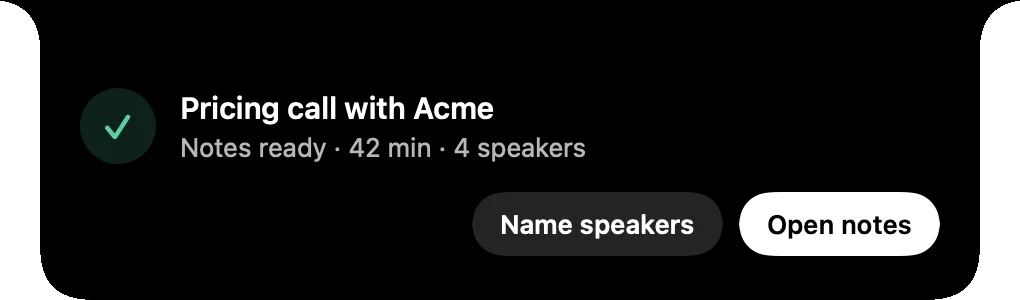
Where you are, what to press
In the room
You
“A meeting at the office, your Mac on the table.”
Press
⌃⌥M. Speechy tells the voices around the Mac apart.
 Zoom
You
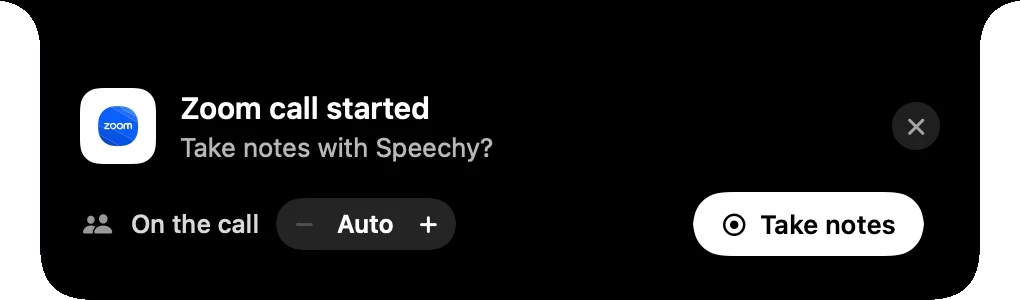
“A call you said Not now to, and then changed your mind.”
Press
⌃⌥M starts notes for it straight away.
Pick your keys.
In Speechy, Settings, Shortcuts.
- Start meeting notesStarts or stops notes for the call or the room⌃⌥M
Questions
Yes, in Settings, Shortcuts.
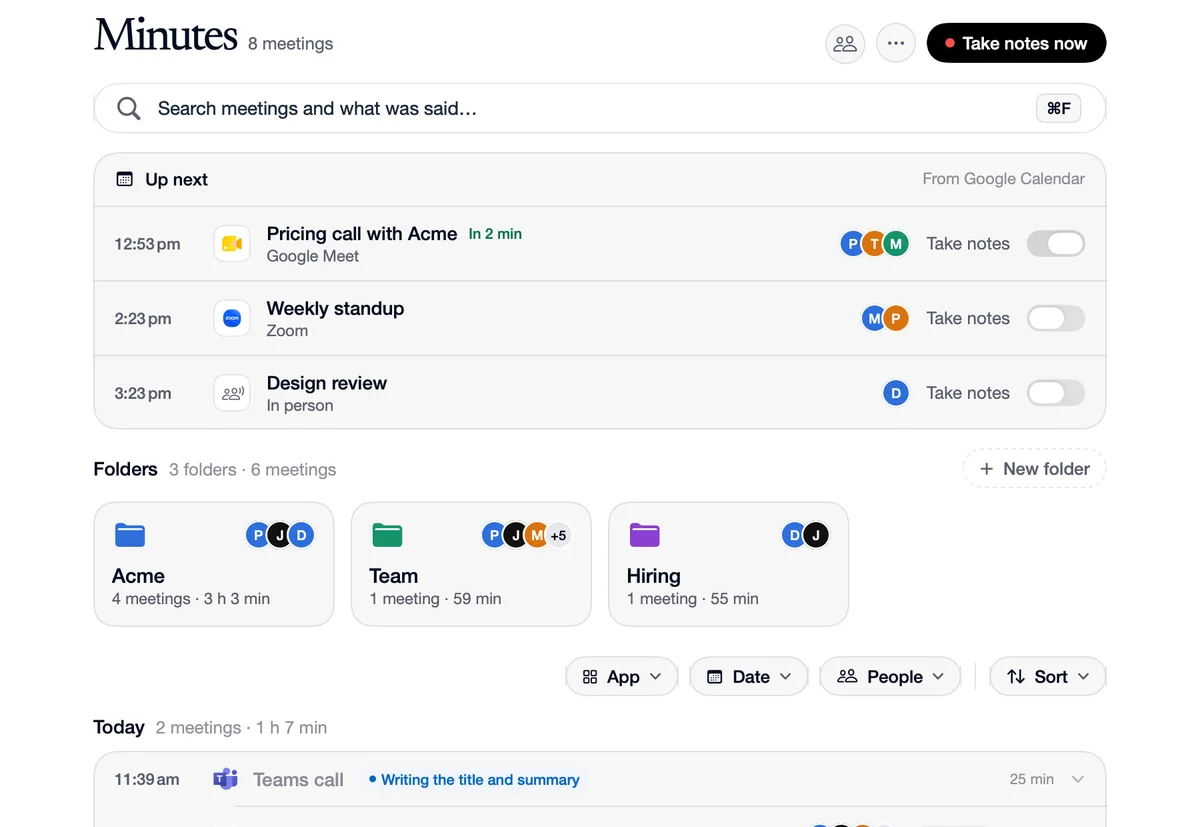
Yes. Take meeting notes is in the menu bar menu, and Take notes now is on the Minutes page.