Up next from your calendar
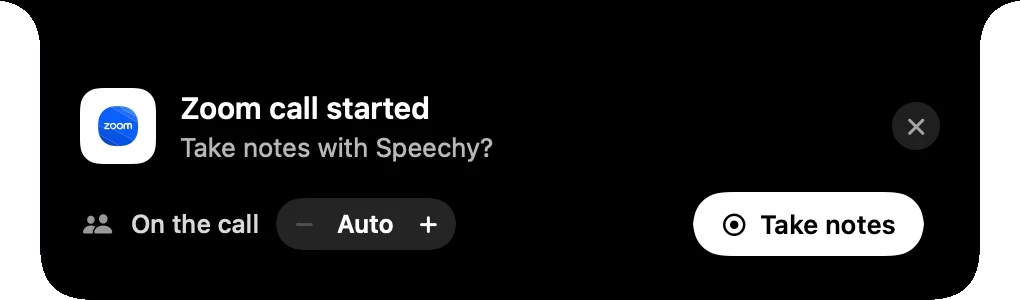
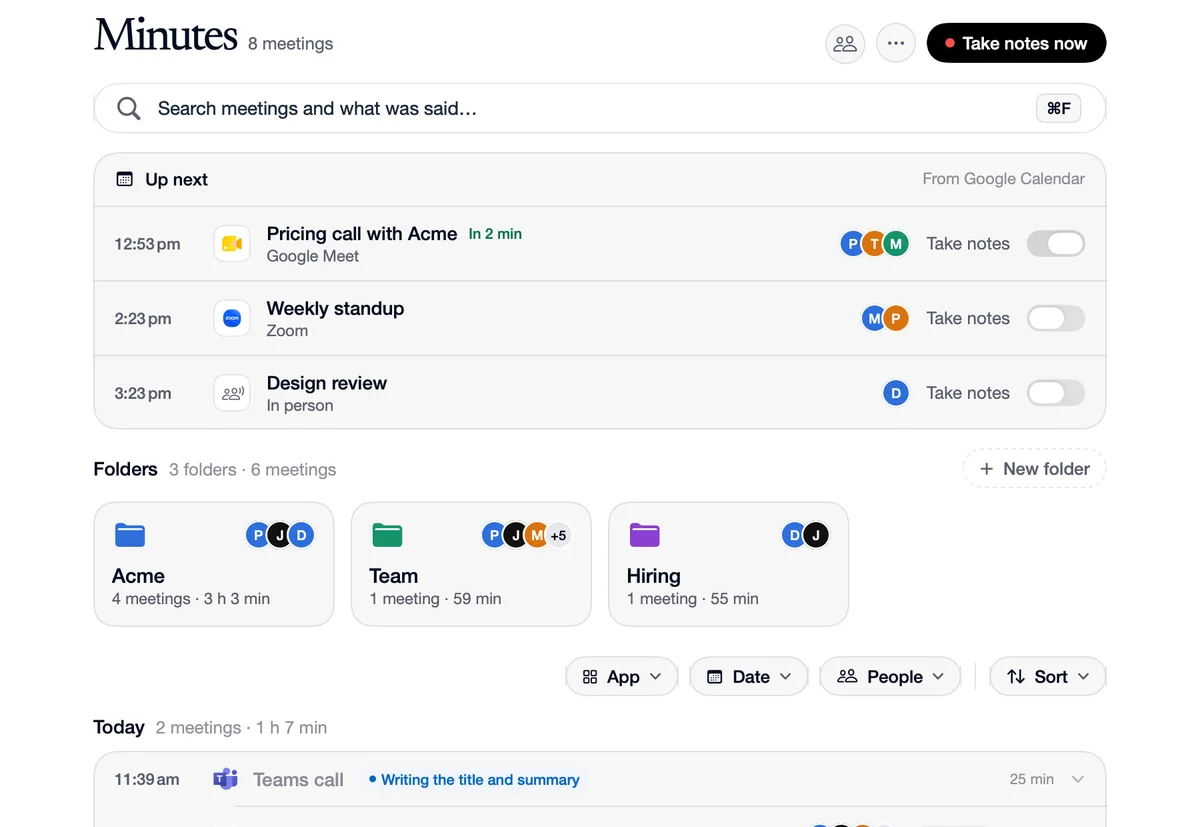
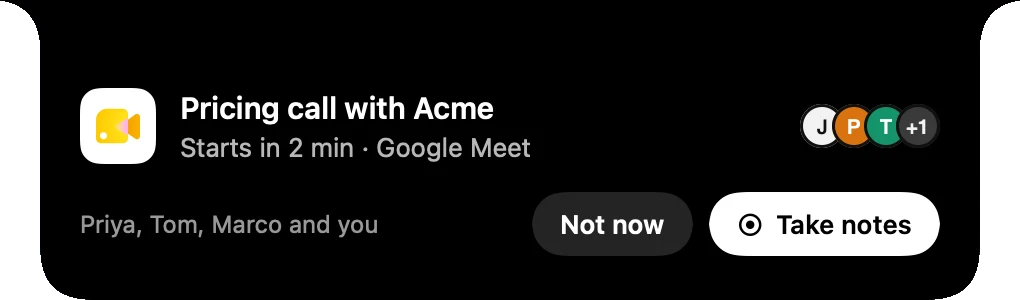
Up next on the Minutes page lists today's meetings from your Google Calendar or Outlook, each with a Take notes switch. The notch asks two minutes before a meeting; with its switch on, notes start by themselves when it begins or when its call starts. The meeting's name, who was invited and how many people to expect come from the calendar.
How to use Up next from your calendar
Connect your calendar
Connect Google Calendar or Outlook in Integrations. Speechy reads today's meetings every 15 minutes and when you open Minutes.
Switch on Take notes
Beside any meeting in Up next.
It starts on time
The notch asks two minutes before. With the switch on, notes start at the meeting's time or when its call starts.
In your calendar, in your notes
 Google Calendar
Calendar
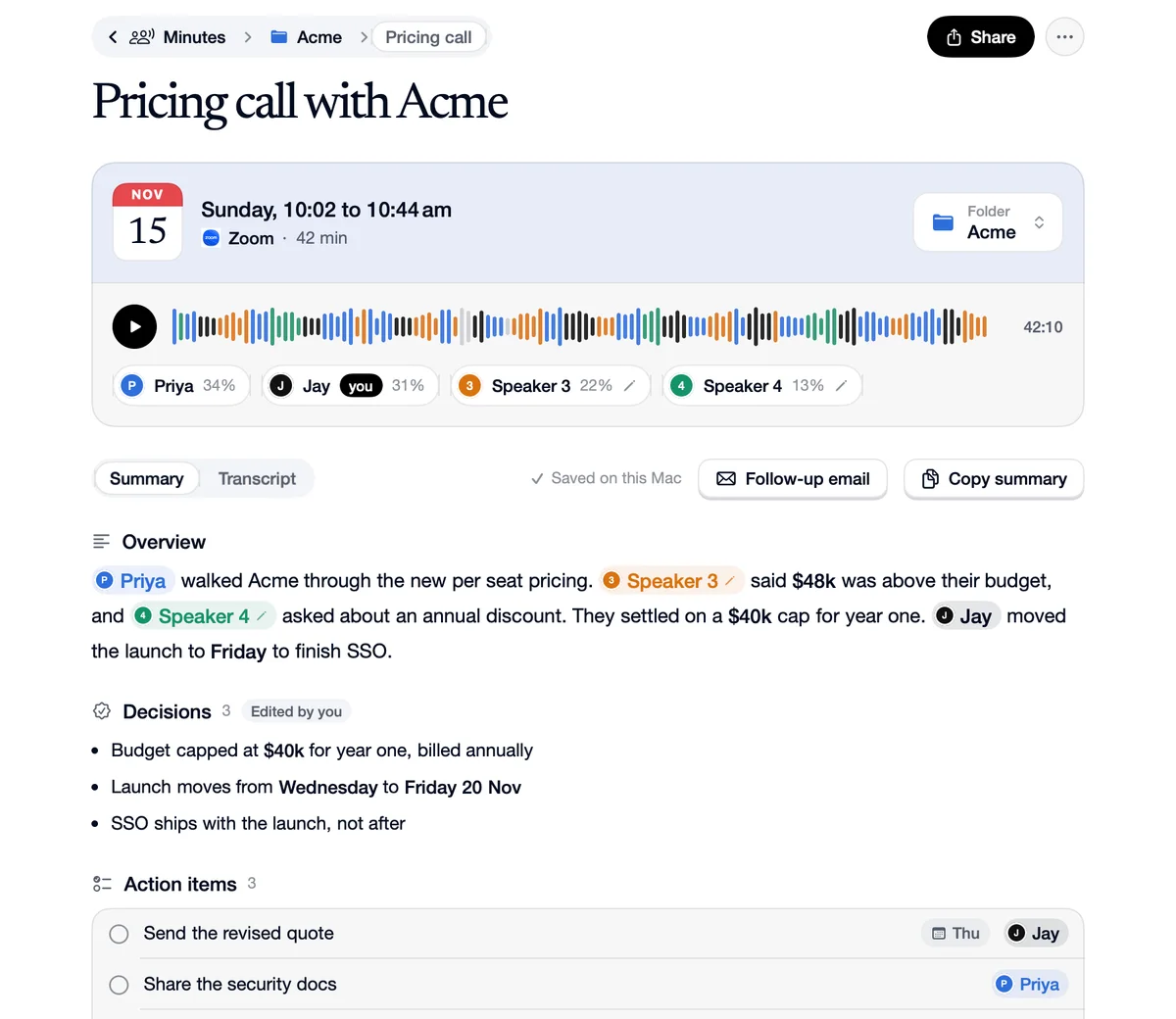
“Pricing call with Acme, 10:00, four people invited.”
Notes
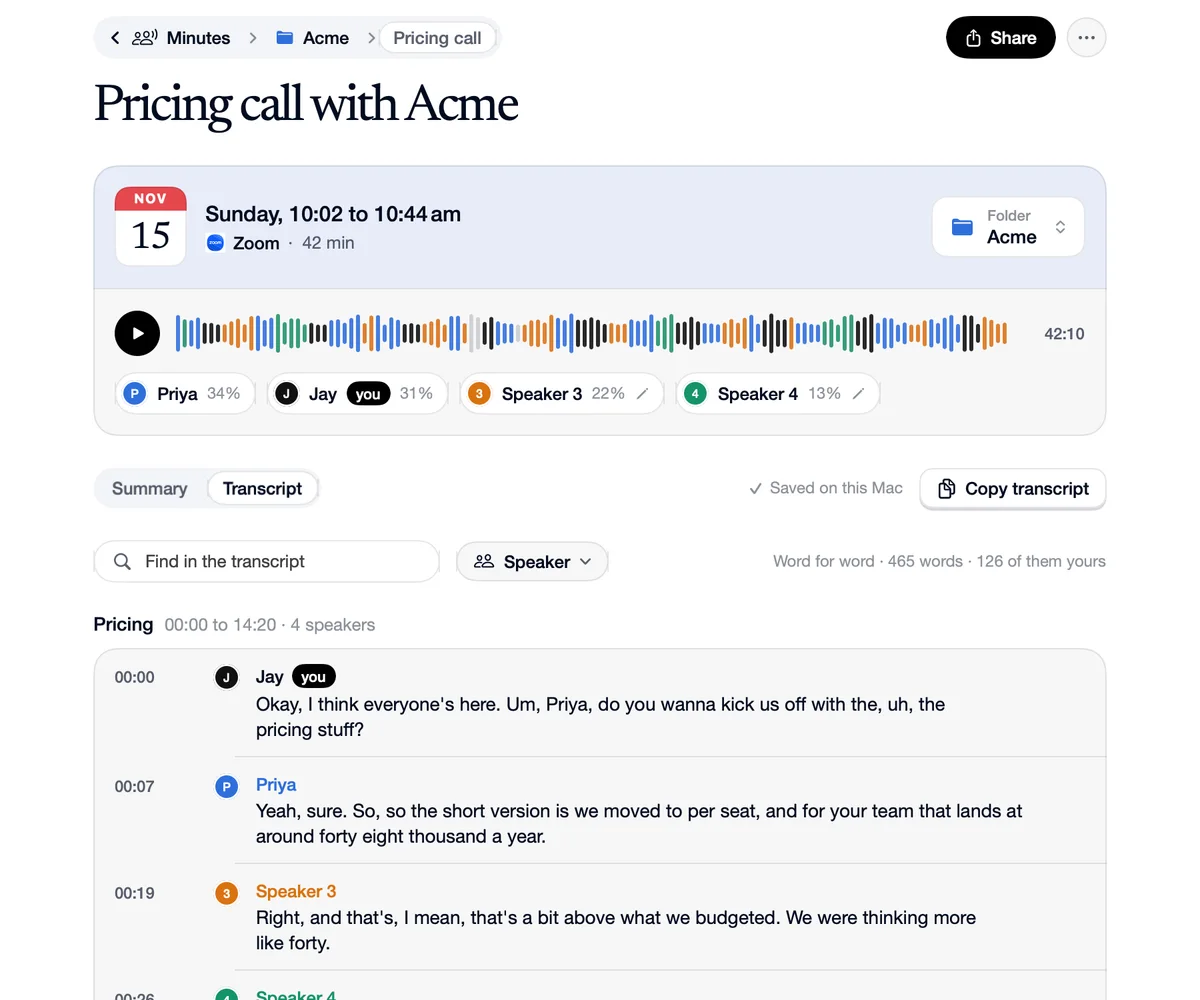
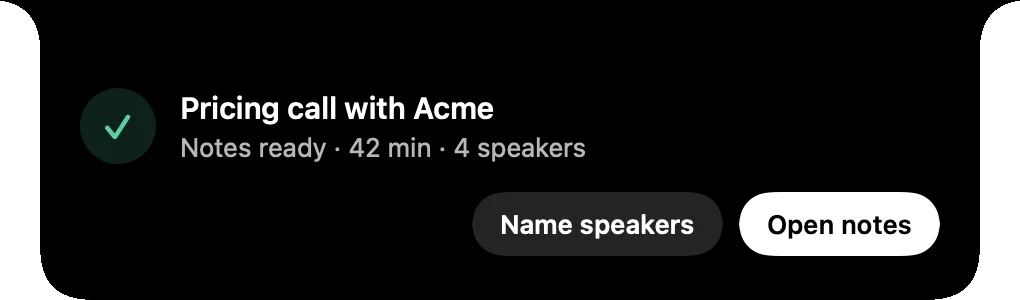
Notes titled “Pricing call with Acme”, expecting four voices.
 Outlook
Calendar
“Weekly standup, Take notes switched on.”
Notes
Notes start by themselves when the standup's call starts.
Questions
Google Calendar (your primary calendar) or Outlook (your default calendar), connected in Integrations.
Today only.