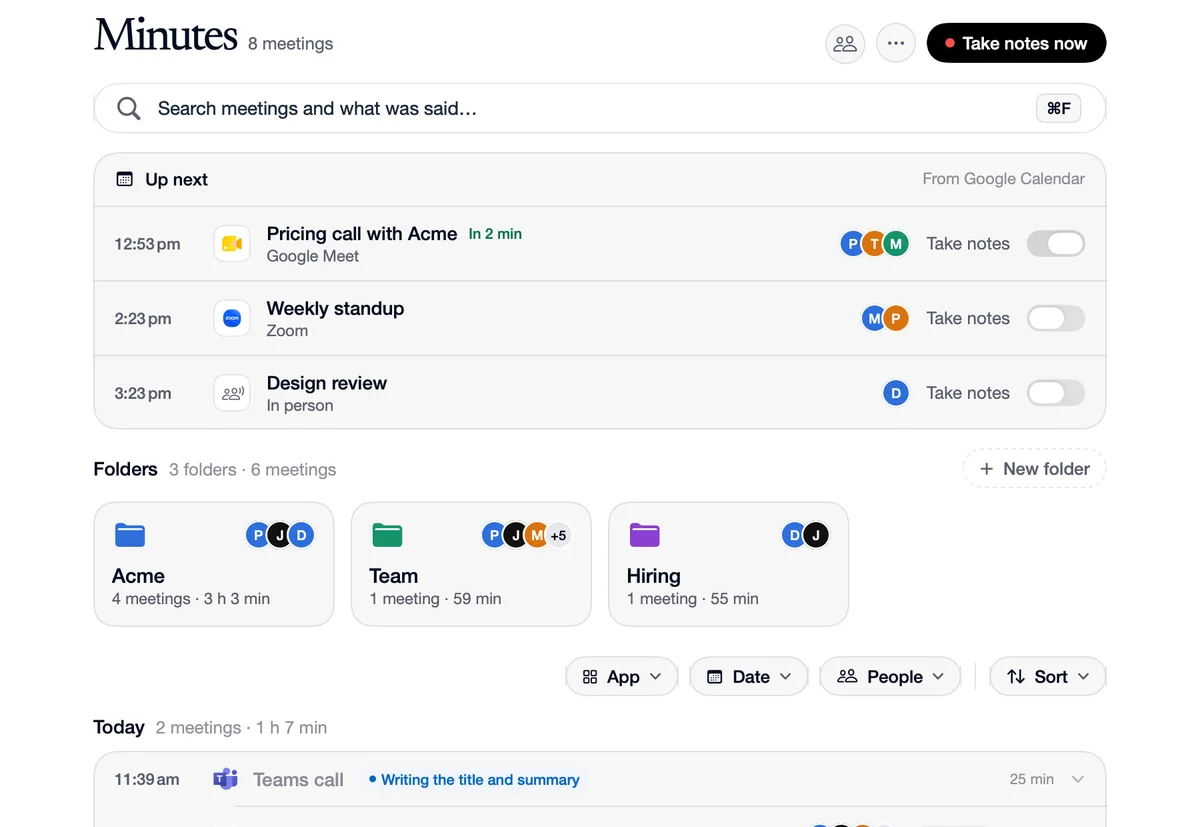
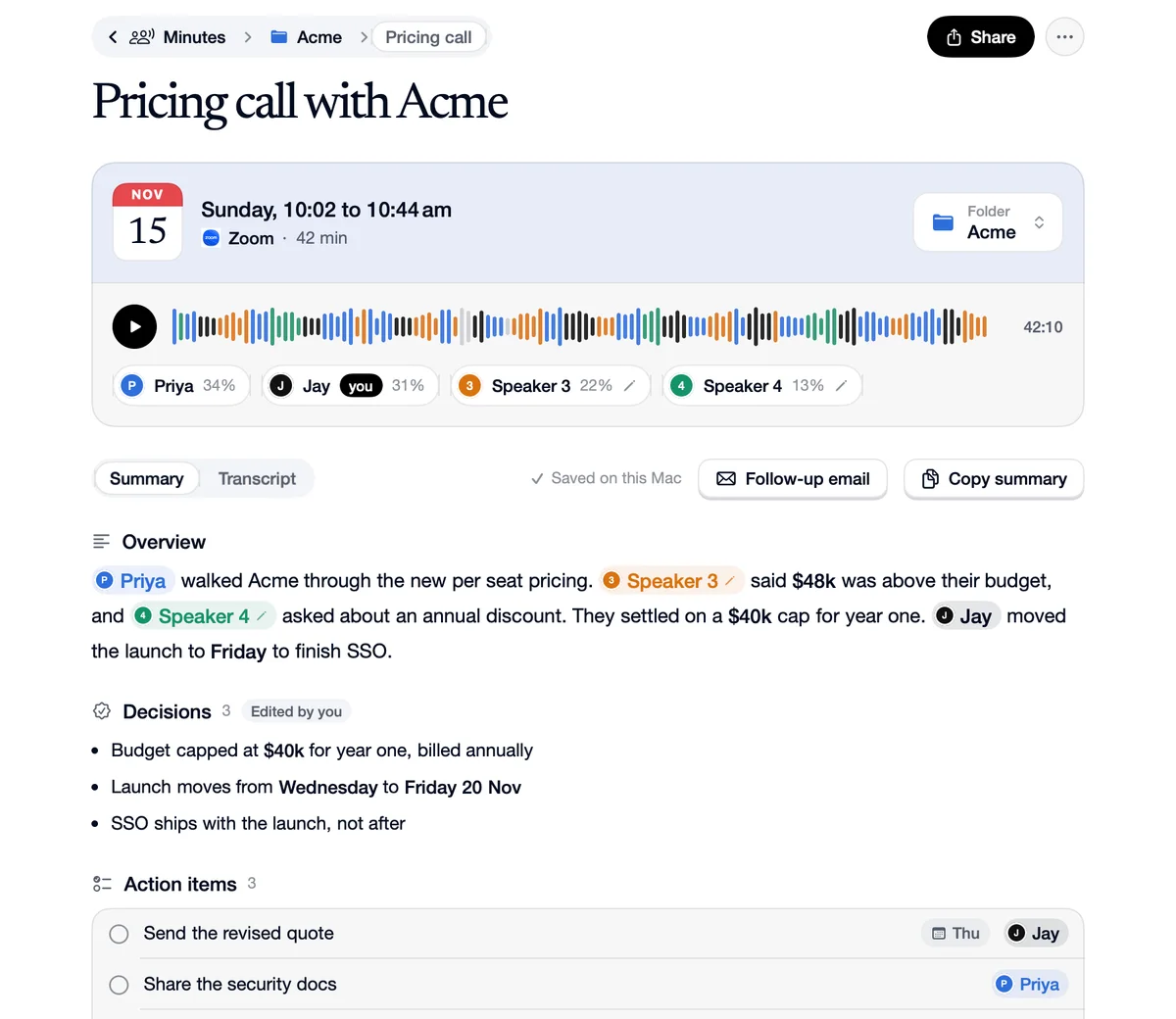
Transcript by speaker
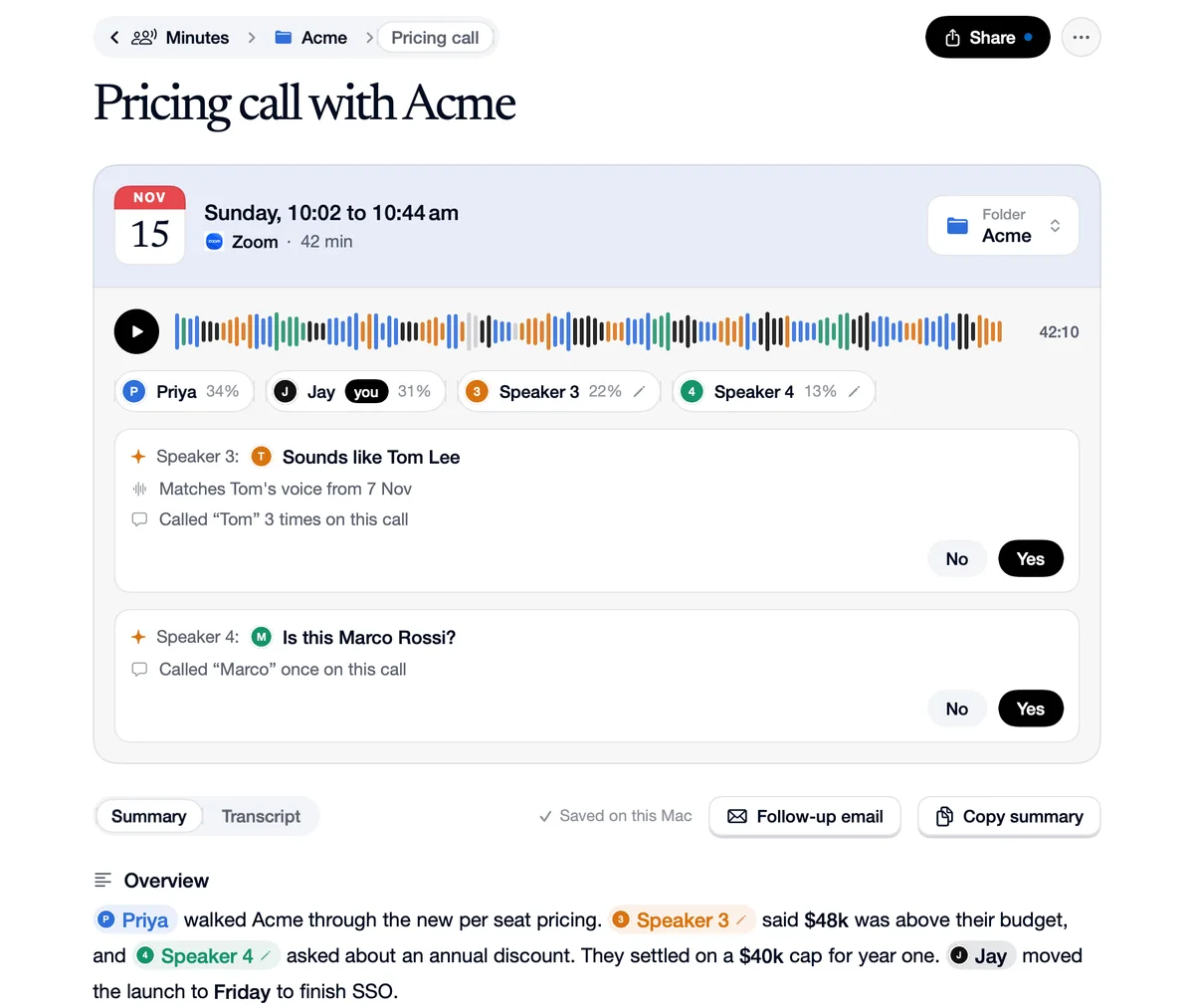
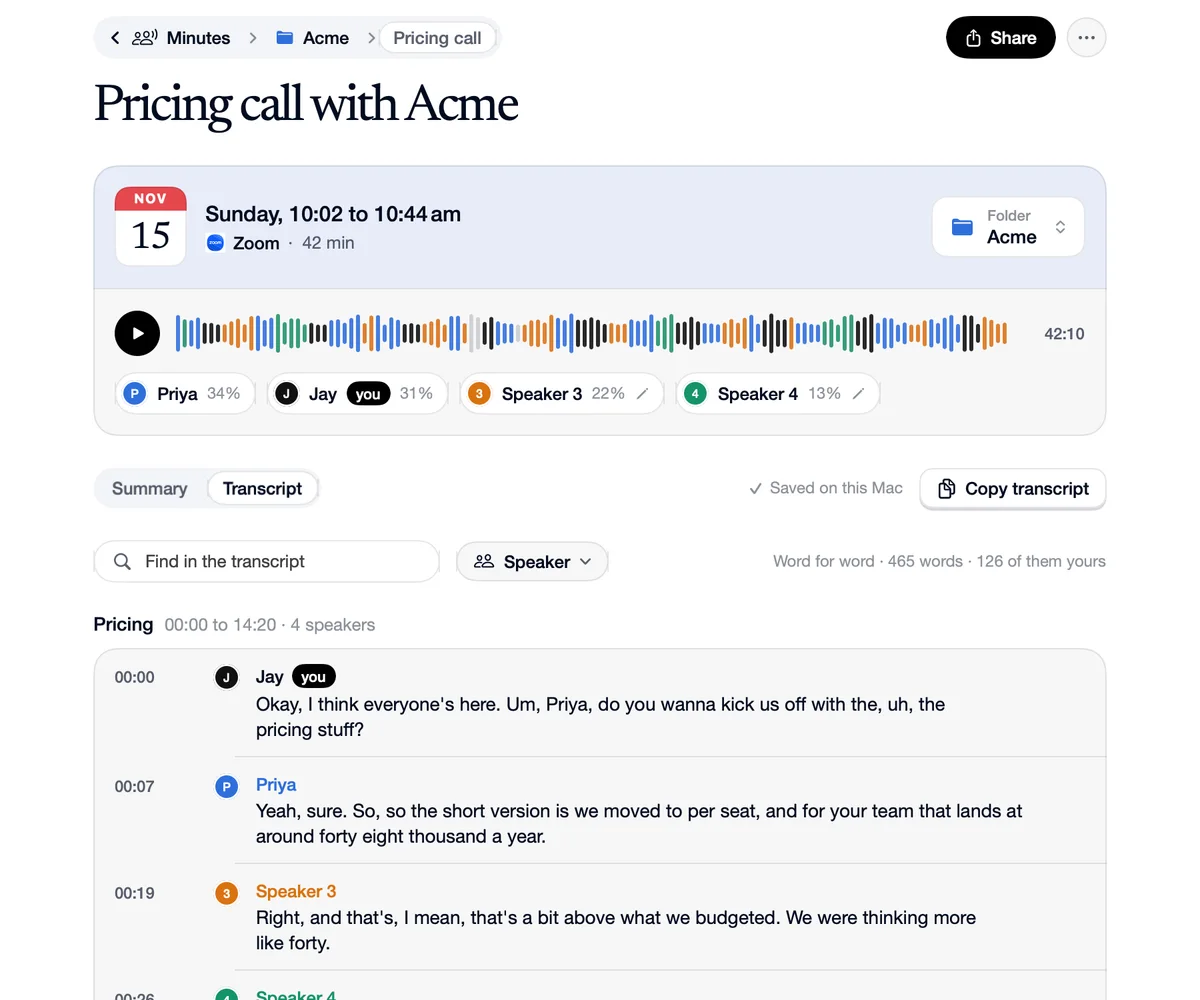
The transcript is made on your Mac by Speechy's own voice model, then split by speaker, so every line says who said it. The meeting's card shows a wave coloured by speaker and how much each person talked. Search the transcript, filter it by speaker, play from any line, and copy it whole. Lines where two people talked at once, or no voice was clear, are marked until you pick.
How to use Transcript by speaker
Open Transcript
Beside Summary on the meeting's page.
See who talked
Each speaker's chip shows their share of the talking, and the wave is coloured by who spoke.
Find a moment
Search the words, or show one speaker's lines.
What you look for, what you find
Search
You
“Search “budget”.”
You find
Every line that mentions the budget, with who said it and when.
Speaker
You
“Show only Priya's lines.”
You find
What Priya said, in order.
Questions
Yes. The voice model runs on your Mac. Only the text goes to Speechy's AI to write the summary.
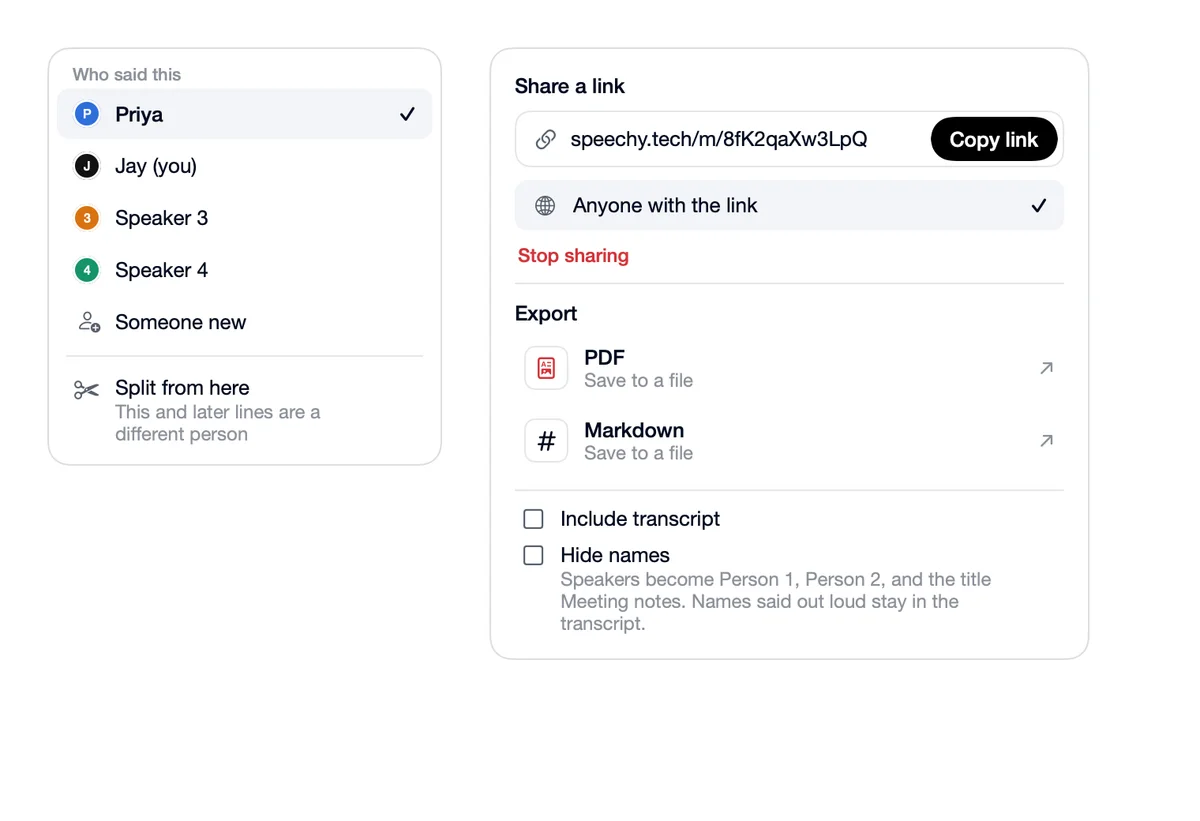
Two people talked at once, or no voice was clear. Click who said it to pick the right person.