Notices your calls
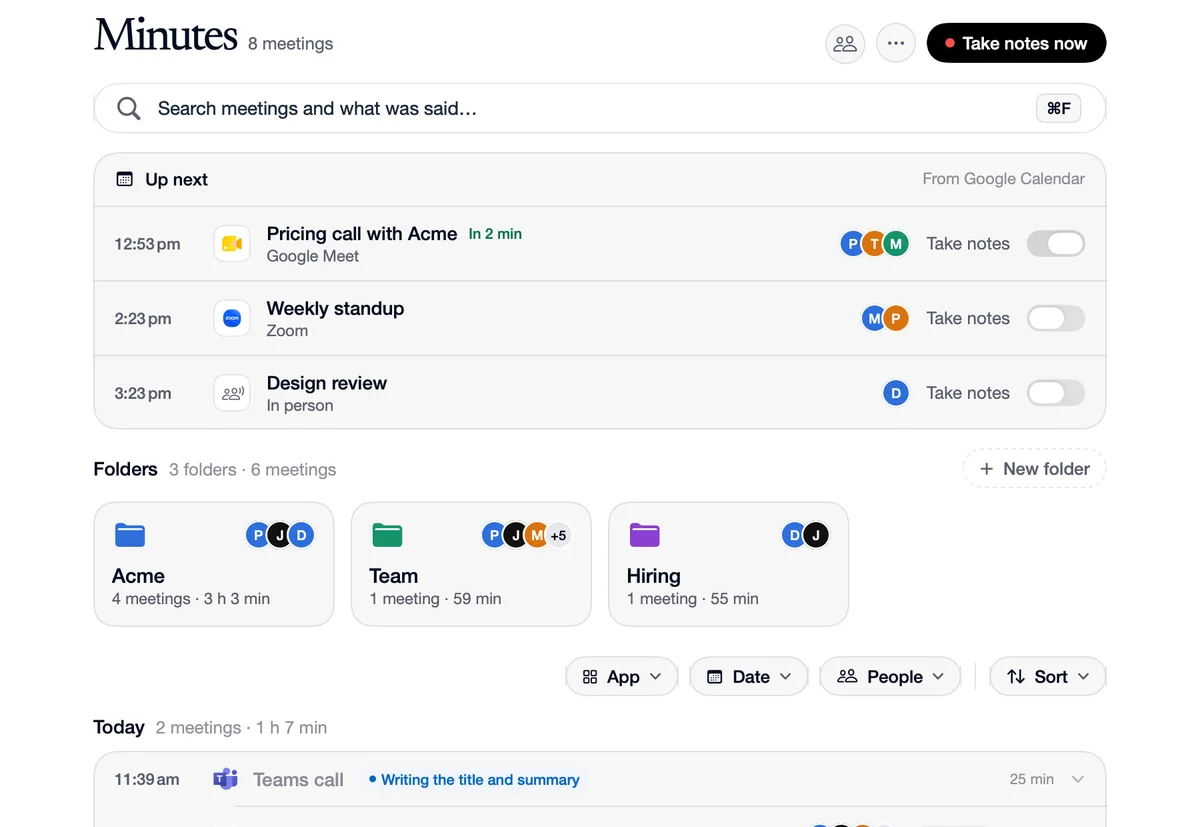
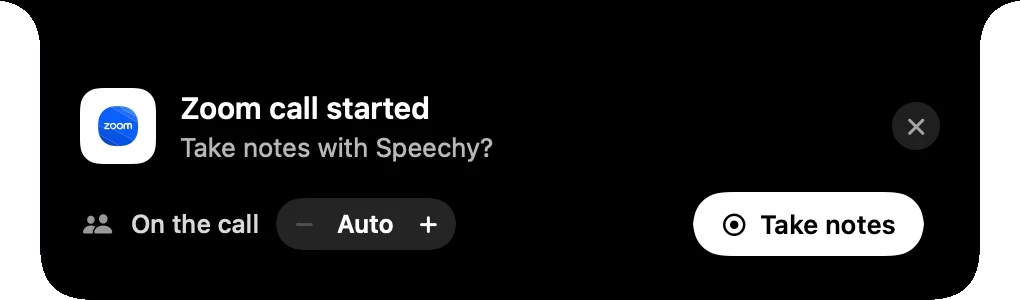
Speechy notices when a call starts on your Mac and asks in the notch whether to take notes, with how many people are on the call. Pick an app in the Minutes menu and notes start without asking every time it calls. Notes stop a few seconds after the call lets go of the microphone, so muting yourself doesn't end them.
How to use Notices your calls
Join a call
Zoom, Teams, FaceTime, Slack, Webex and Discord are noticed directly. In a browser, Meet, Teams, Zoom, Webex, Whereby, Around and Jitsi are noticed by the window's title.
The notch asks
“Zoom call started. Take notes with Speechy?” Take notes, or close it and carry on.
Or let it start by itself
In the Minutes page's menu, choose Start without asking for an app, and its calls get notes every time.
What happens, and what Speechy does
 Zoom
When
“A Zoom call starts.”
Speechy
The notch asks to take notes, with how many people are on the call.
 Google Meet
When
“A Meet call starts in Chrome.”
Speechy
The window's title names Meet, so the notch asks the same way.
 Microsoft Teams
When
“You mute yourself for ten minutes.”
Speechy
Notes keep going. They stop 8 seconds after the call lets go of the microphone and goes quiet.
Choose when it asks.
In the menu on the Minutes page.
- Ask when a call startsThe notch offers to take notes when a call beginsOffOn
- Start without asking forCalls in these apps get notes every timeZoomTeamsMeetFaceTime
Questions
It sees which app is using your microphone. Browser calls are recognised by the window's title, which Speechy reads through Accessibility.
No. Notes end 8 seconds after the call app lets go of the microphone and stops playing sound.